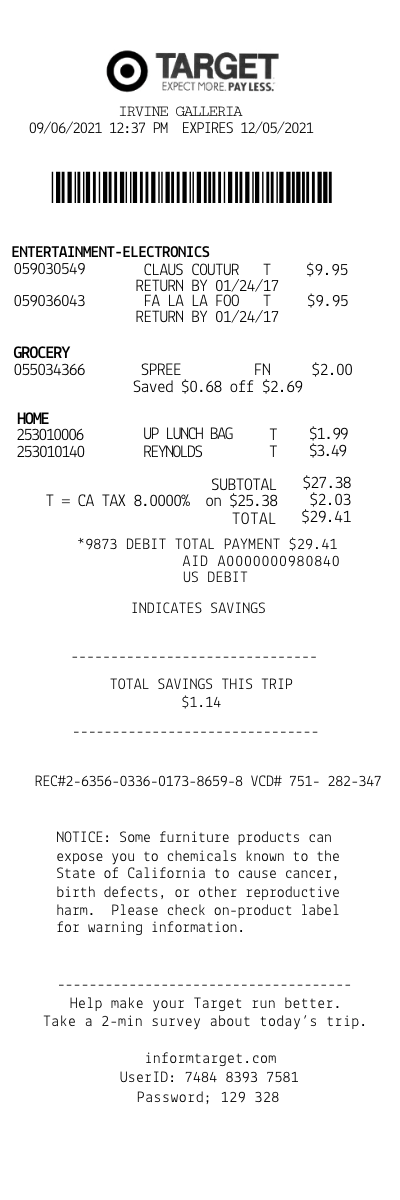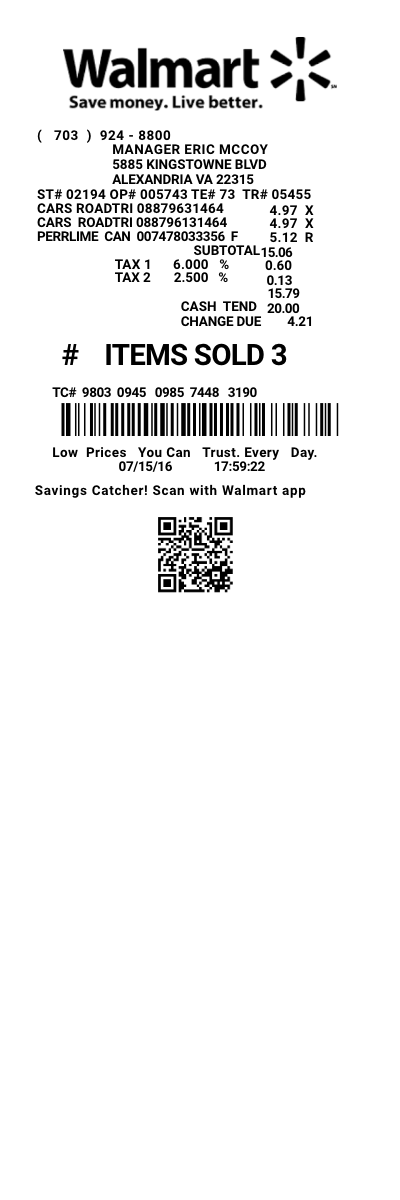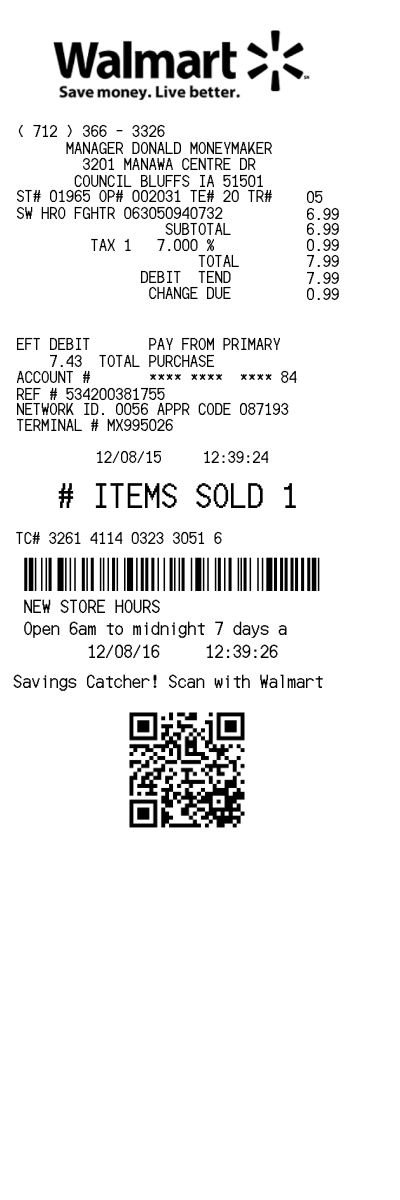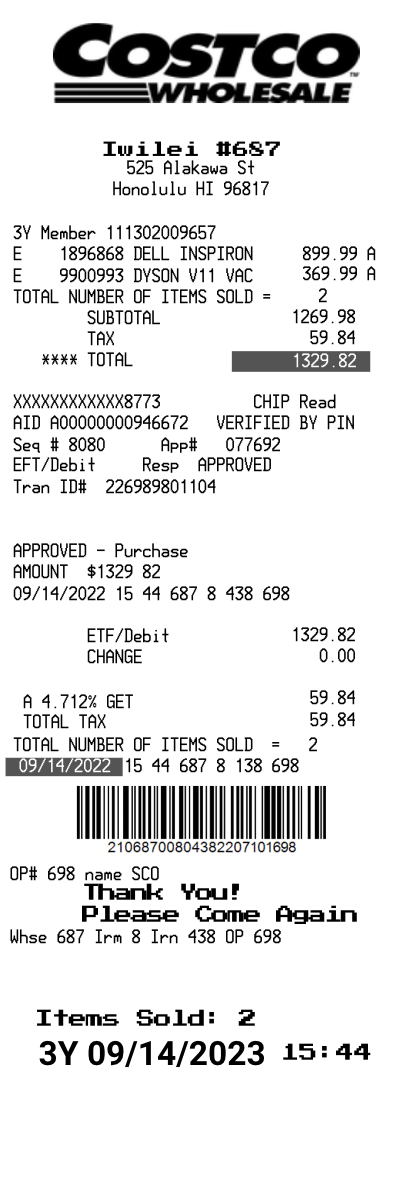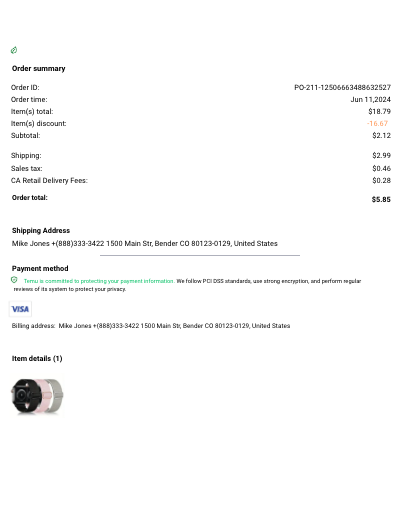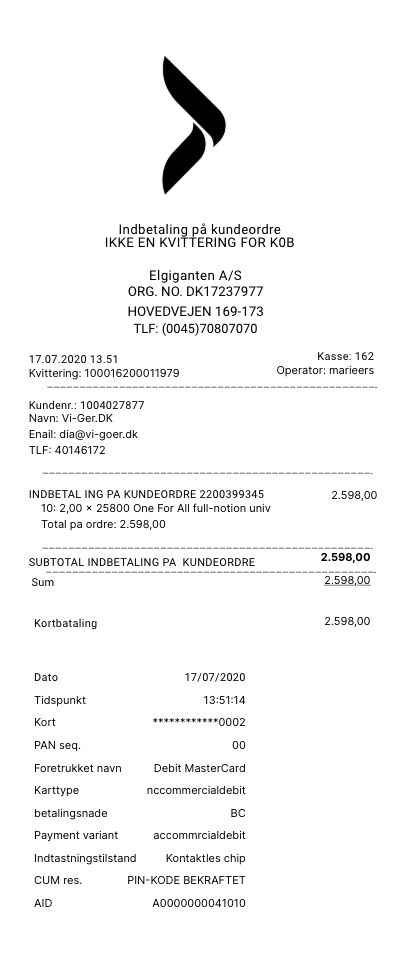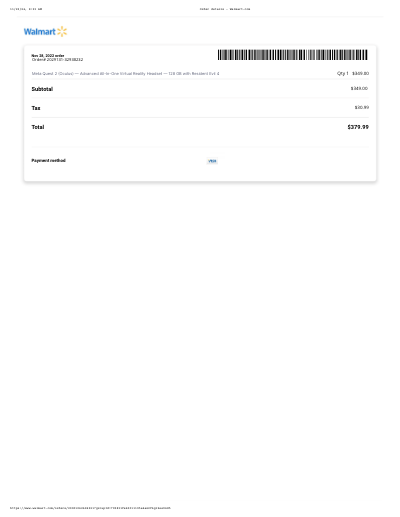

Amazon order details template
Customize this other template in DocDesk—edit every field, then download as JPG or PDF.
About this template
Create a Amazon order details receipt with our receipt generator. Select the Amazon order details template from the template library. Edit and customize the receipt. Instantly save and download your customized receipt.
# Amazon Order Details Receipt Guide
## What are the reasons you might need an Amazon order details receipt?
Amazon order details receipts serve several important purposes in your daily life:
### Common Uses for Amazon Receipts
| Purpose | Description |
|---------|-------------|
| **Returns and Exchanges** | Essential for processing returns within Amazon's standard return window, even though most returns can be initiated directly from your account |
| **Warranty Claims** | Required by manufacturers for warranty service and repairs on electronics, appliances, and other products |
| **Tax Documentation** | Needed for business expense deductions and personal tax record keeping, especially for home office supplies or business equipment |
| **Expense Reimbursement** | Required by employers when you need reimbursement for business purchases made with personal funds |
| **Insurance Claims** | May be needed to prove purchase value and date for insurance purposes in case of theft, damage, or loss |
| **Price Protection** | Some credit cards offer price protection services that require proof of purchase and original price |
| **Budget Tracking** | Helps with personal financial management and expense categorization for budgeting software or spreadsheets |
| **Gift Returns** | Recipients need receipts or order information to return or exchange gifts, even without access to the purchaser's account |
## What is the return policy without a receipt at Amazon?
Amazon's return policy is generally customer-friendly, even without traditional paper receipts:
### Return Policy Options
| Situation | Policy Details |
|-----------|---------------|
| **With Amazon Account Access** | All orders are automatically tracked in your "Your Orders" section at [amazon.com/your-orders](https://www.amazon.com/your-orders). Returns can be initiated directly from your account for most items within the 30-day return window. Some categories like electronics may have different return periods. |
| **Without Account Access** | Contact Amazon Customer Service with your order details. You can provide the order number, email address, or phone number used for the purchase. Amazon may require additional verification for security, but returns are often still possible with proof of purchase. |
| **Gift Returns** | Gift recipients can return items without knowing the purchaser's account details. Amazon can often track gifts through various identifiers like the shipping address or product details. You may receive Amazon gift card credit instead of a refund to the original payment method. |
### Important Note
Amazon rarely requires traditional paper receipts since everything is tracked digitally. However, having your receipt information readily available makes the process much smoother.
## How can I get a duplicate receipt from Amazon?
Getting a duplicate receipt from Amazon is straightforward:
**Through Your Amazon Account:**
1. Sign into your Amazon account at [amazon.com](https://www.amazon.com)
2. Click on "Returns & Orders" or go to "Your Account" → "Your Orders"
3. Use the search filters to find your order by date, item name, or order status
4. Click "Order Details" to view the complete receipt information
5. Use your browser's print function or save as PDF for your records
**Alternative Methods:**
- Check your email for the original order confirmation message
- Use the Amazon mobile app and navigate to "Your Orders"
- Contact Amazon customer service at 1-888-280-4331 with your order number
- Access Amazon's digital invoice system through your account settings
**If You Don't Have Account Access** - Contact customer service with any information you have about the order, such as the approximate date, shipping address, or product details.
## What elements are typically shown on an Amazon order details receipt?
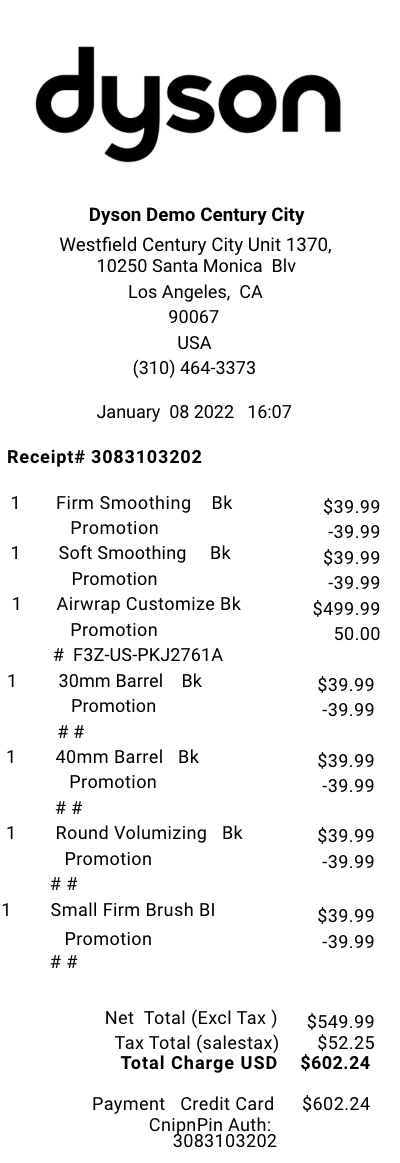
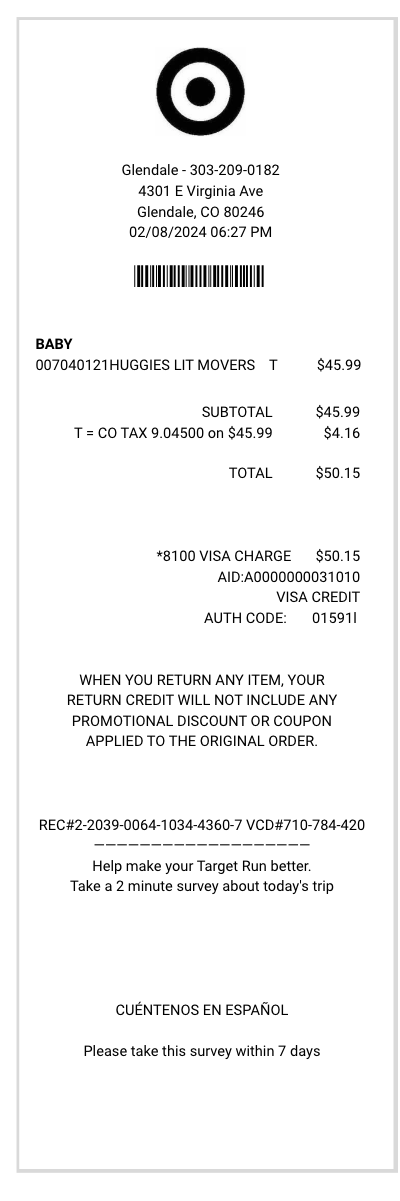
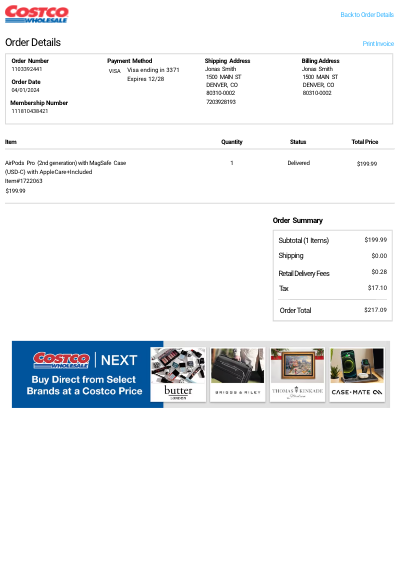
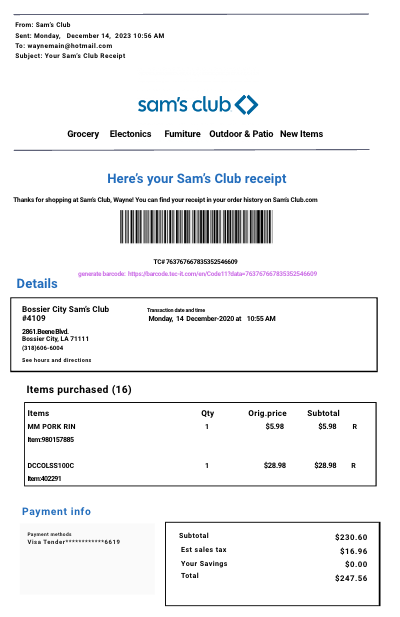
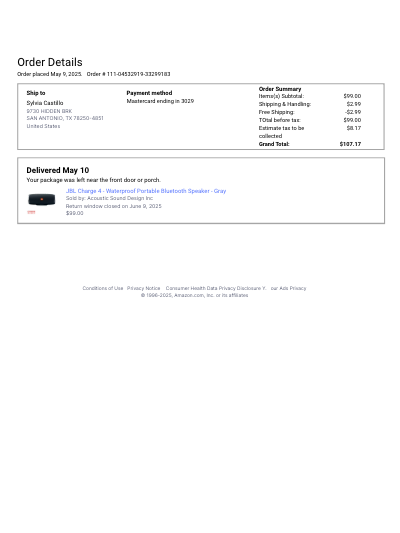
Amazon order details receipts contain comprehensive purchase information:
**Order Identification**
- Unique order number (format: 111-0453291-33299183)
- Order placement date and time
- Order status and delivery confirmation
**Customer Information**
- Full name and complete shipping address
- Payment method used (showing last 4 digits of credit card)
- Billing address if different from shipping address
**Product Details**
- Complete product name and description
- Seller information (Amazon or third-party seller)
- Individual item price and quantity ordered
- Product images or thumbnails
**Financial Breakdown**
- Items subtotal before taxes and fees
- Shipping and handling charges
- Any applicable taxes by jurisdiction
- Promotional discounts or credits applied
- Grand total amount charged
**Delivery Information**
- Shipping method selected (standard, expedited, etc.)
- Estimated and actual delivery dates
- Package tracking information
- Delivery status and location notes
**Return and Warranty Information**
- Return window expiration date
- Return policy details for specific items
- Links to initiate returns or exchanges
- Customer service contact information
**Additional Elements**
- Digital receipt timestamp
- Links to reorder items
- Product review prompts
- Recommended related products
The receipt format may vary slightly depending on whether you're viewing it online, in the mobile app, or printing it, but these core elements remain consistent across all formats.