
Retail
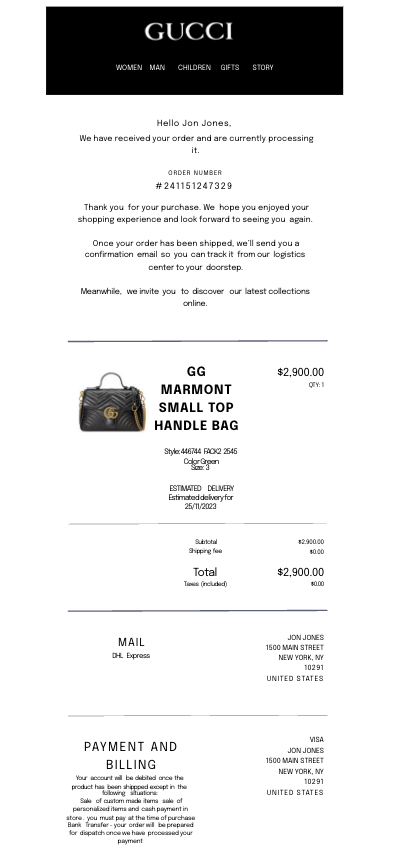
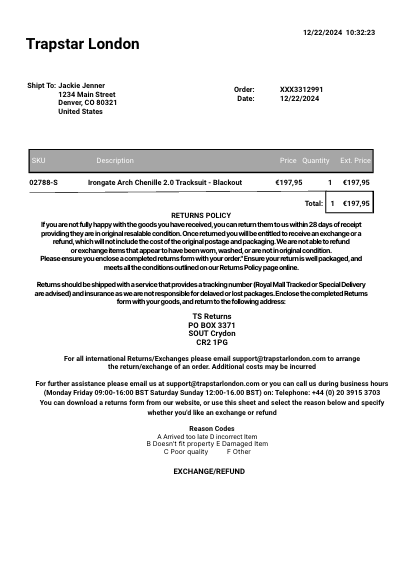
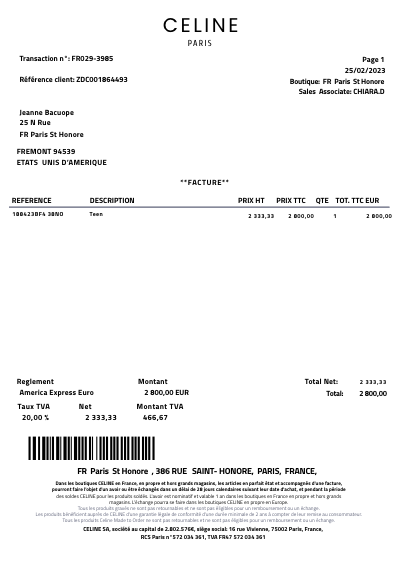
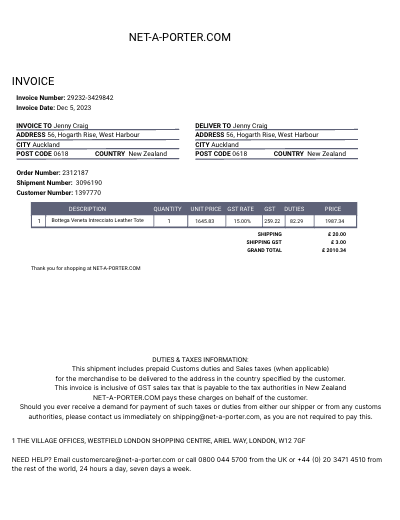
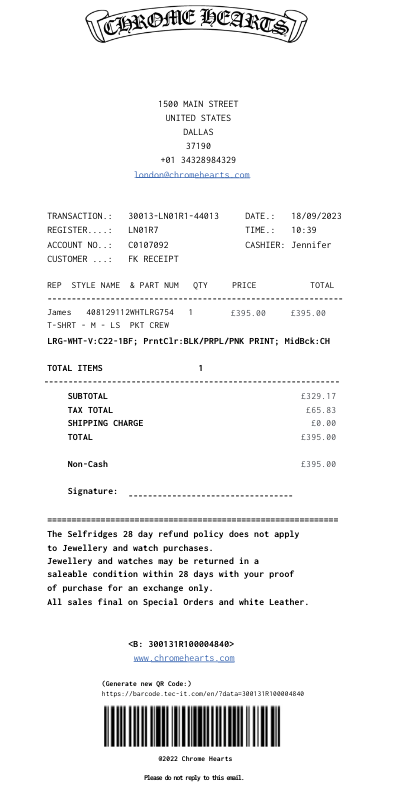
Chrome Hearts email receipt template
Customize this retail template in DocDesk—edit every field, then download as JPG or PDF.
About this template
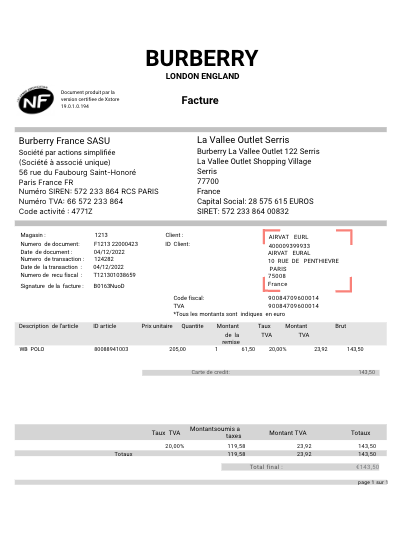
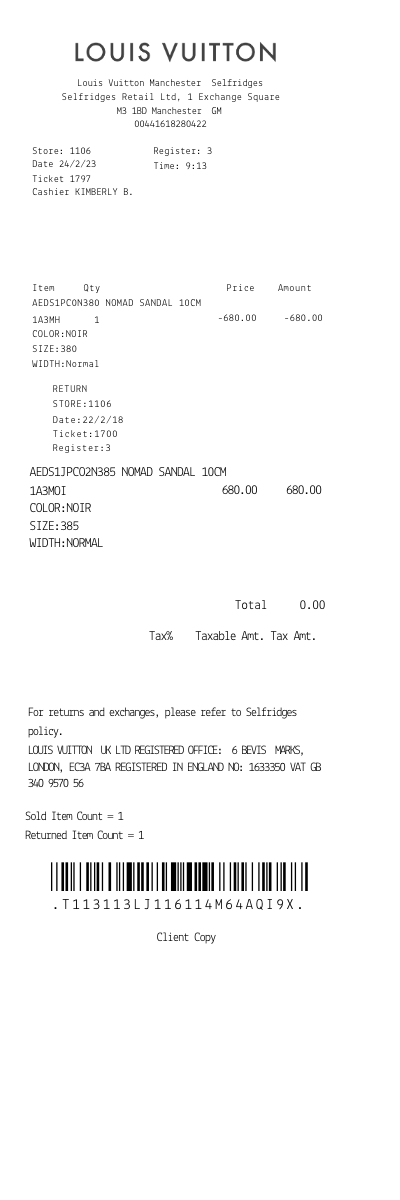
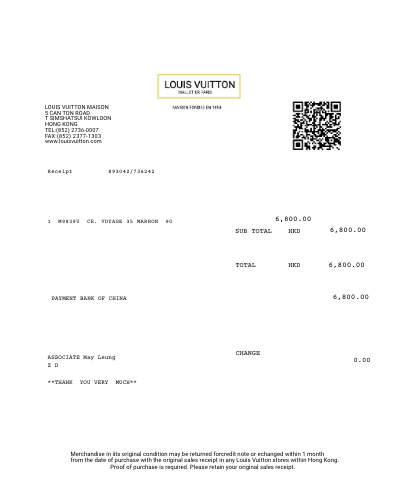
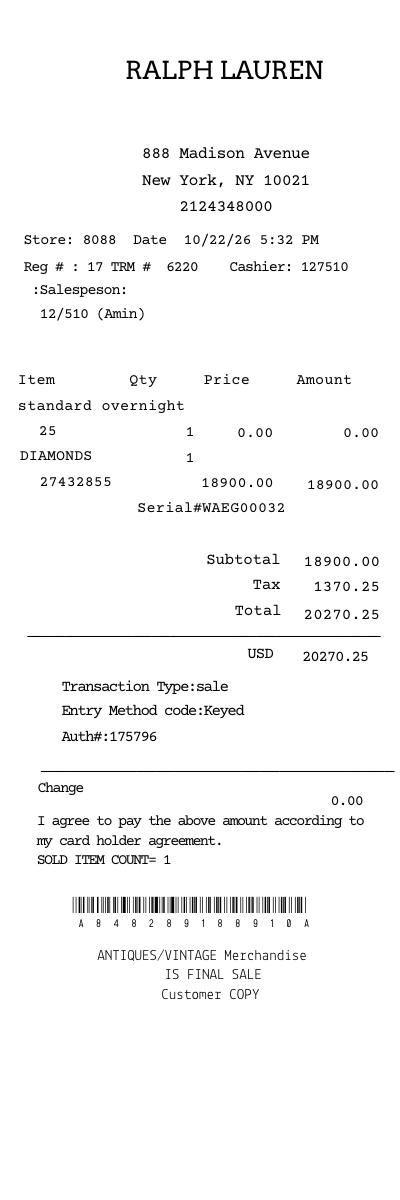
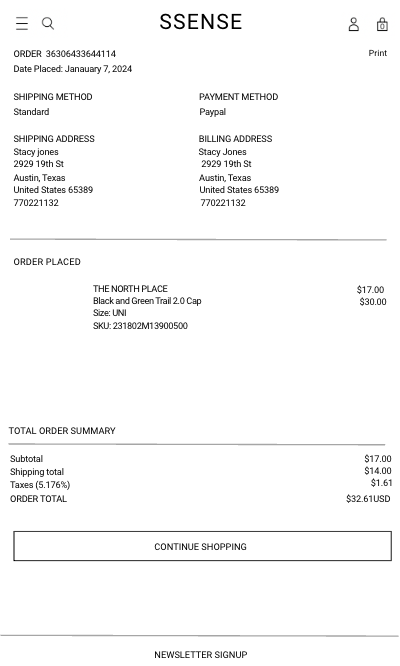
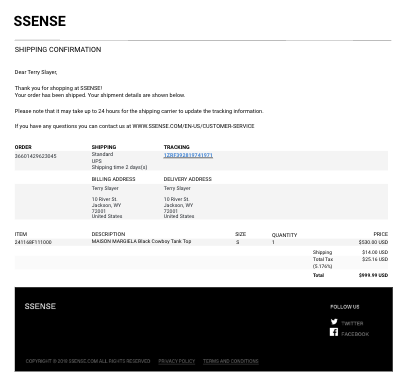
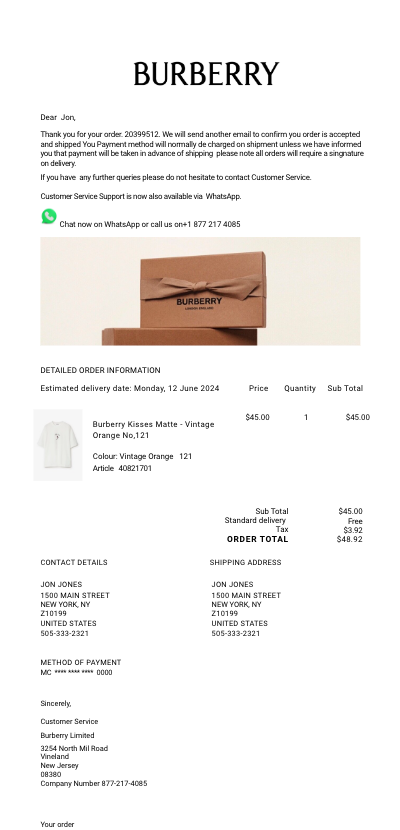
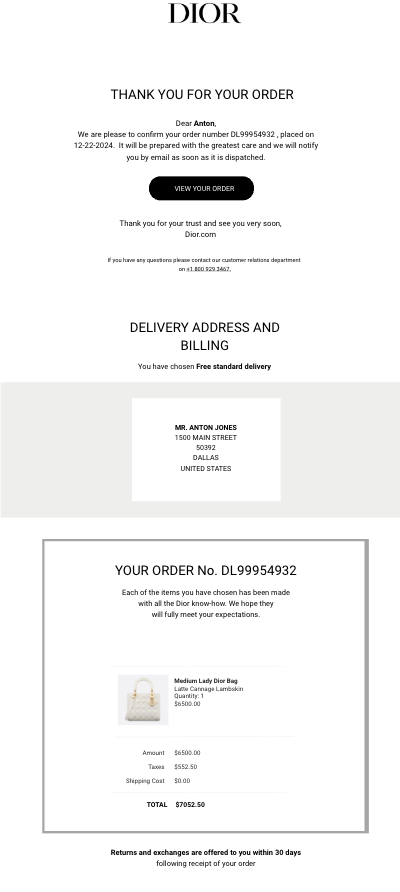
Create detailed, customizable receipts for purchases of Chrome Hearts apparel, accessories, and jewelry. Whether you're documenting sales, managing inventory, or keeping track of your personal collection, our Chrome Hearts receipt generator offers a seamless, efficient solution.
Key Features
- Customizable Receipt Details: Easily modify the receipt to include transaction specifics such as buyer and seller information, purchase date, detailed product descriptions, prices, and total cost.
- Comprehensive Product Catalog: Access a pre-populated list of Chrome Hearts products, ensuring accuracy in product names, models, and categories.
- Brand Authenticity: Incorporate the Chrome Hearts logo and branding elements into your receipts, enhancing the professional look and feel.
- Multiple Format Options: Choose from a variety of receipt formats suitable for printing, emailing, or digital archiving, catering to your specific needs.
- Intuitive Design: Generate your Chrome Hearts receipts with ease, thanks to a user-friendly interface that simplifies the creation process.
Chrome Hearts Products
Chrome Hearts is renowned for its luxurious, gothic-inspired fashion and accessories. Utilize our receipt template to generate detailed records for a wide array of Chrome Hearts products, including:
- Apparel: Document purchases of Chrome Hearts clothing, from leather jackets to graphic tees.
- Jewelry: Include detailed descriptions of Chrome Hearts jewelry items, such as rings, bracelets, and necklaces.
- Accessories: Capture sales of Chrome Hearts accessories, including eyewear, belts, and hats.
- Home Decor: Don't forget Chrome Hearts unique home and lifestyle products, perfect for adding a touch of luxury to any space.
How to Use the Template
- Access DocDesk: Navigate to the receipt generator section on DocDesk and select the Chrome Hearts Receipt Template.
- Fill in Transaction Details: Enter all relevant purchase information, including product details, using the Chrome Hearts product catalog for accuracy.
- Customize and Brand: Adjust the layout and design to include Chrome Hearts branding, choosing the format that best suits your needs.
- Generate Your Receipt: Once complete, generate your receipt. You can then download, print, or email it directly from DocDesk.
Ideal For
- Retail and Resale: Perfect for Chrome Hearts authorized retailers and resellers needing to provide official-looking receipts to customers.
- Personal Collection Management: For Chrome Hearts enthusiasts looking to meticulously document and manage their personal collections.
- Authentication and Verification: Aid in the process of verifying the authenticity of Chrome Hearts products during resale or exchange.
The Chrome Hearts Receipt Generator on DocDesk is your go-to tool for creating professional, detailed, and customizable receipts for all your Chrome Hearts transactions. Elevate your documentation process with a tool designed to reflect the unique luxury and style of the Chrome Hearts brand.