
Retail
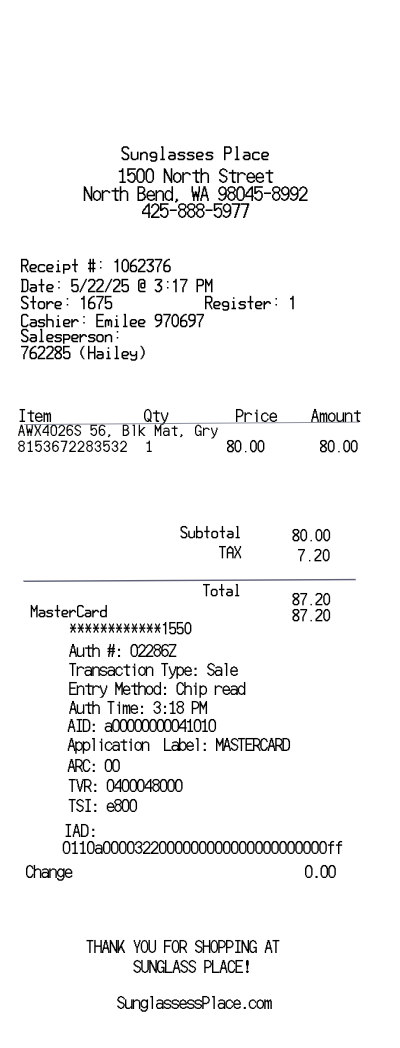
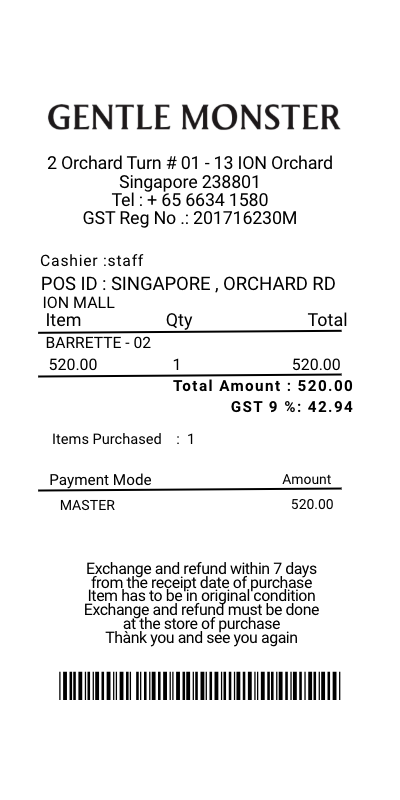
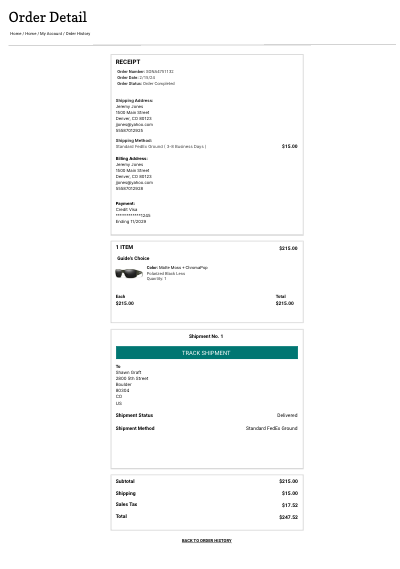
SMITH sunglasses receipt template
Customize this retail template in DocDesk—edit every field, then download as JPG or PDF.
About this template
Introducing the SMITH Sunglasses Receipt Template on DocDesk, the ultimate tool for creating detailed and customizable receipts for your SMITH Optics purchases. Whether you're a retailer, a reseller, or an individual looking to keep detailed records of your SMITH sunglasses and eyewear purchases, our template offers a straightforward and efficient solution.
Features of the SMITH Sunglasses Receipt Template
- Customizable Fields: Easily edit purchase details, including buyer and seller information, date of purchase, product descriptions, prices, and totals.
- SMITH Product Catalog Integration: Direct access to a pre-populated list of SMITH Optics products to ensure accuracy in product names and models.
- Flexible Format: Choose from various receipt formats that best fit your needs, whether for print or digital record-keeping.
- Logo Integration: Add your business logo or the SMITH Optics logo to the receipt for a professional touch.
SMITH Optics Products
SMITH Optics is renowned for its high-quality, durable, and stylish eyewear products. Using our receipt template, you can generate receipts for a wide range of SMITH products, including:
- Sunglasses: From high-performance sports sunglasses to fashion-forward frames, find options for every lifestyle.
- Snow Goggles: Advanced snow goggles designed for optimal vision and comfort on the slopes.
- Helmets: Safety meets style with SMITH's line of cycling and snow helmets, featuring the latest in protective technology.
- Prescription Eyewear: Tailor your receipt for SMITH's prescription-compatible frames that don't compromise on style or function.
- Accessories: Don't forget to include SMITH's eyewear accessories, such as lens cleaners, cases, and interchangeable lenses.
How to Use the Template
- Access DocDesk: Navigate to the receipt generator section on DocDesk and select the SMITH Sunglasses Receipt Template.
- Fill in the Details: Enter all relevant purchase information into the customizable fields. Use the product catalog feature to accurately list the SMITH Optics products sold.
- Customize the Layout: Adjust the layout as needed, including adding logos and choosing your receipt format.
- Generate and Save: Once all details are entered, generate your receipt. You can then download, print, or email the receipt directly from DocDesk.
Perfect For
- Retail Stores: Create professional receipts for in-store or online sales of SMITH Optics products.
- Online Sellers: Generate detailed receipts for customers when selling SMITH products through online marketplaces.
- Individuals: Keep personal purchase records for warranties, returns, or personal budgeting.
The SMITH Sunglasses Receipt Template on DocDesk is your go-to solution for creating detailed, customizable, and professional receipts for all your SMITH Optics transactions. Simplify your receipt generation process and maintain impeccable sales records with ease.