
Retail
SNKRS app receipt template
Customize this retail template in DocDesk—edit every field, then download as JPG or PDF.
About this template
SNKRS App Receipt Template Overview
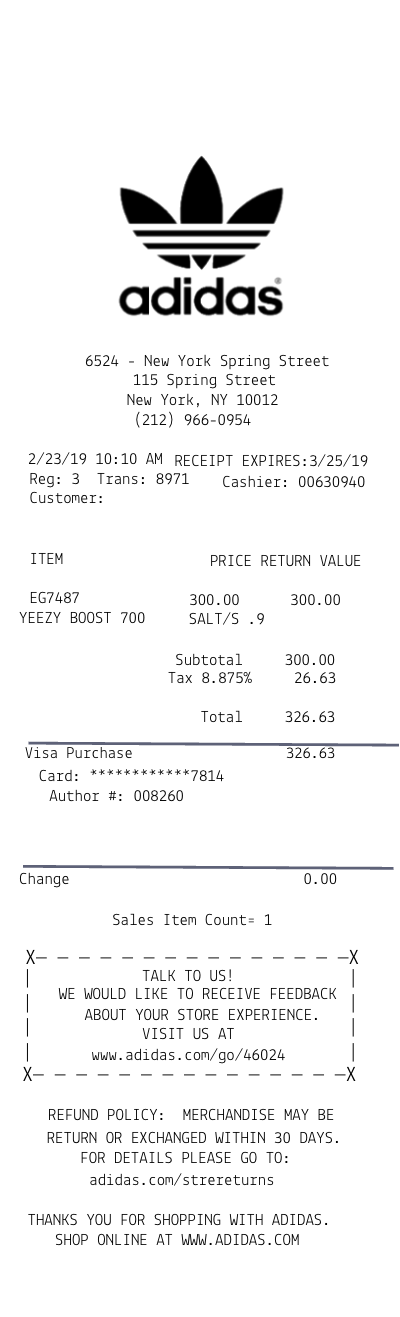
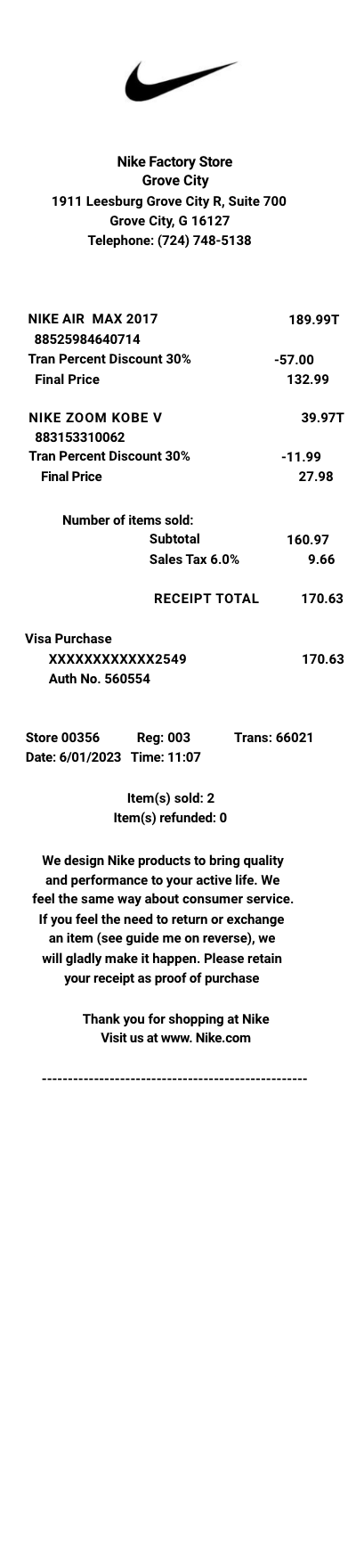
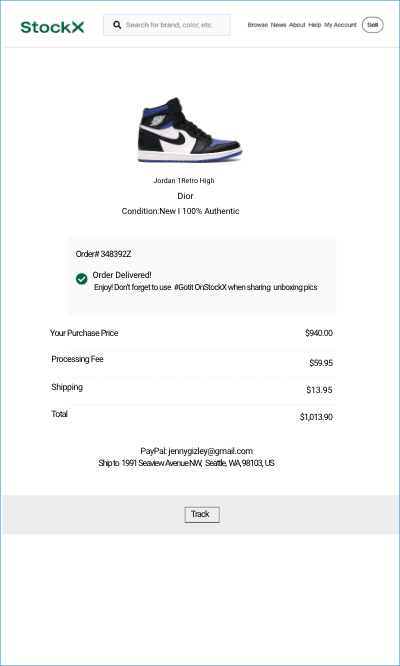
SNKRS app receipt generator... As Nike's premier platform for sneaker releases, SNKRS provides a seamless shopping experience for the most sought-after sneakers. Understanding your receipt can help you manage your purchases, returns, and more. SNKRS is a specialized app that caters to sneaker enthusiasts looking for the latest releases, exclusive drops, and classic Nike products.
Why Do People Need a Receipt from SNKRS?
Receipts from SNKRS are essential for:
- Proof of Purchase: Verifying the authenticity of limited-edition sneakers purchased through the app.
- Tracking Orders: Keeping an eye on the status of your latest drops and managing your sneaker collection.
- Returns and Exchanges: Facilitating returns or exchanges according to Nike's policy, ensuring customer satisfaction.
- Warranty Services: Some sneakers may come with a manufacturer's warranty, requiring a receipt to process claims.
What Is Typically Shown on a Receipt from SNKRS?
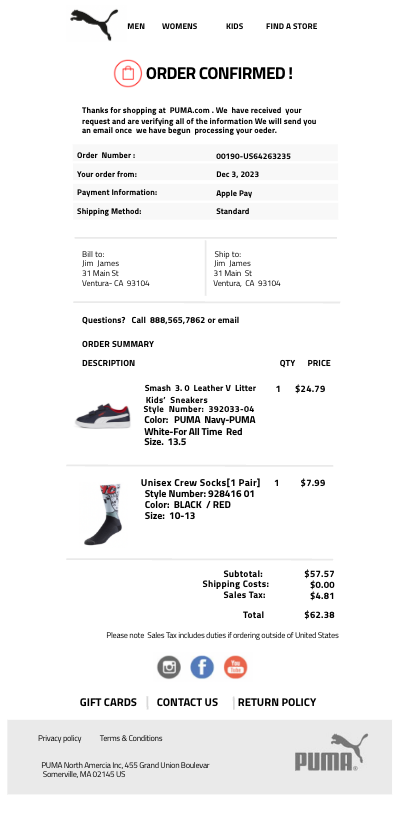
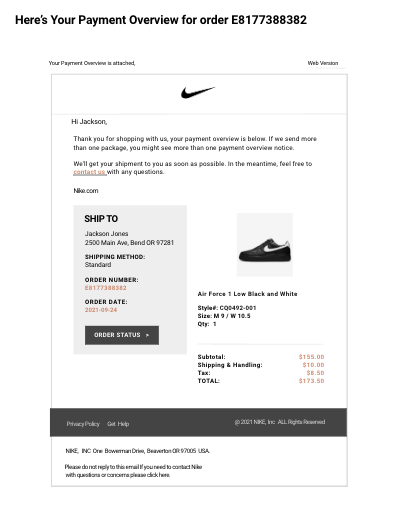
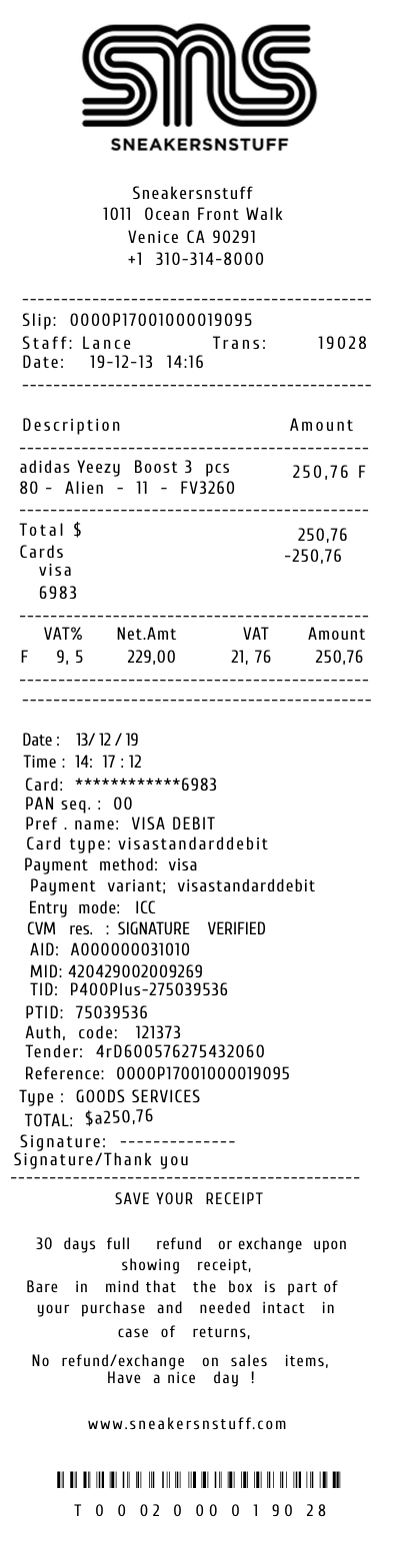
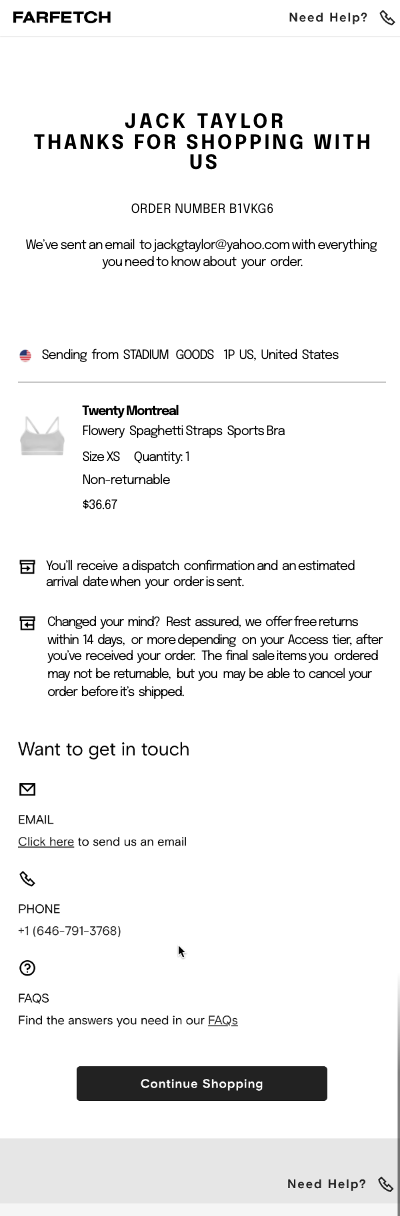
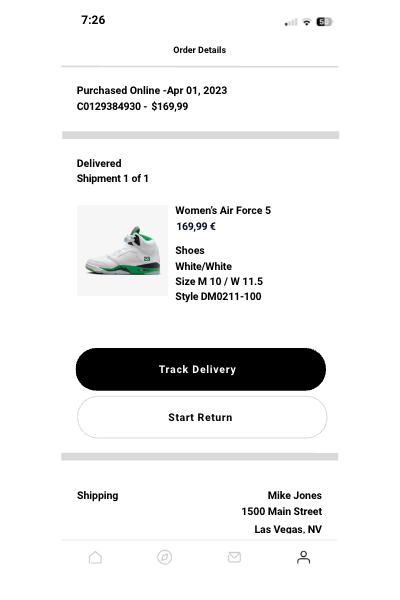
A SNKRS app receipt is detailed, featuring:
- Transaction Date: When the purchase was made.
- Order Number: A unique identifier for your transaction.
- Product Details: Name of the sneaker, size, colorway, quantity, and price.
- Payment Information: Total cost, including taxes and shipping (if applicable), and the payment method used.
- Customer Information: Your name and billing address.
- Delivery Details: Shipping address and estimated delivery timeline.
- Return Policy: Summary of Nike's return policy for reference.
- Customer Service Contact: How to get in touch with SNKRS support for assistance.
Where Does SNKRS Do Business?
The SNKRS app is available in multiple countries, offering global access to Nike's exclusive sneaker releases. It caters to a worldwide community of sneaker fans, providing a platform for purchasing limited-edition and highly coveted sneaker models.
How Can Someone Get a Duplicate Receipt from SNKRS?
To obtain a duplicate receipt from the SNKRS app:
- Through the App: Access your account's purchase history in the SNKRS app. Select the relevant order to view and save your receipt.
- Customer Support: If you're unable to retrieve your receipt through the app, contact Nike's customer support directly through the SNKRS app or Nike's official website. Provide your order number and customer details to receive assistance.