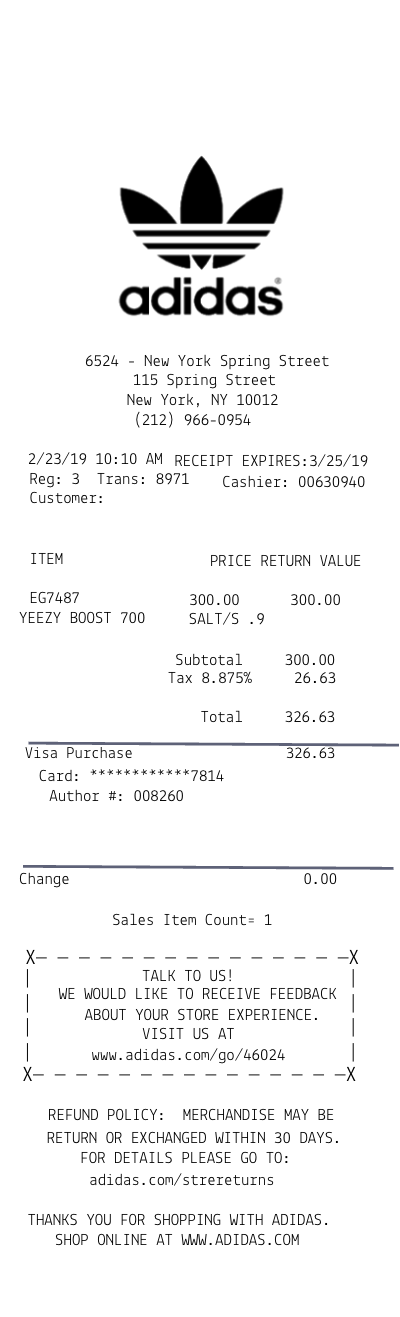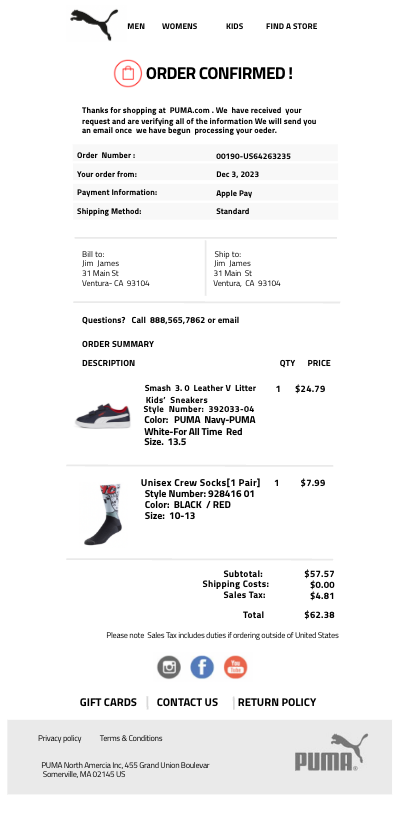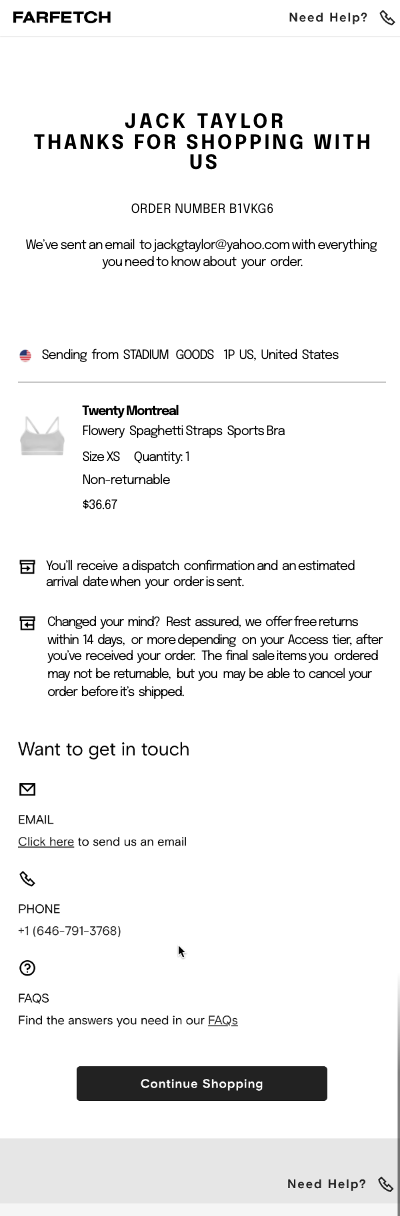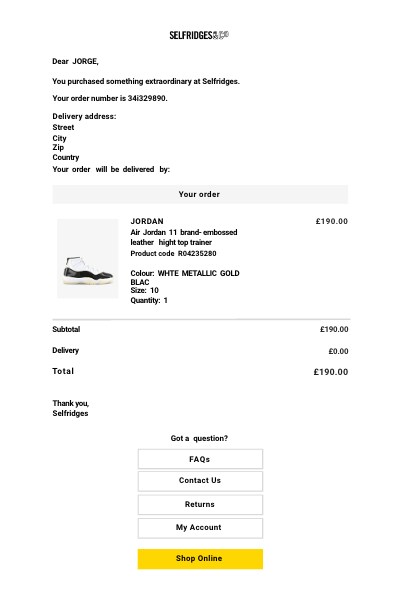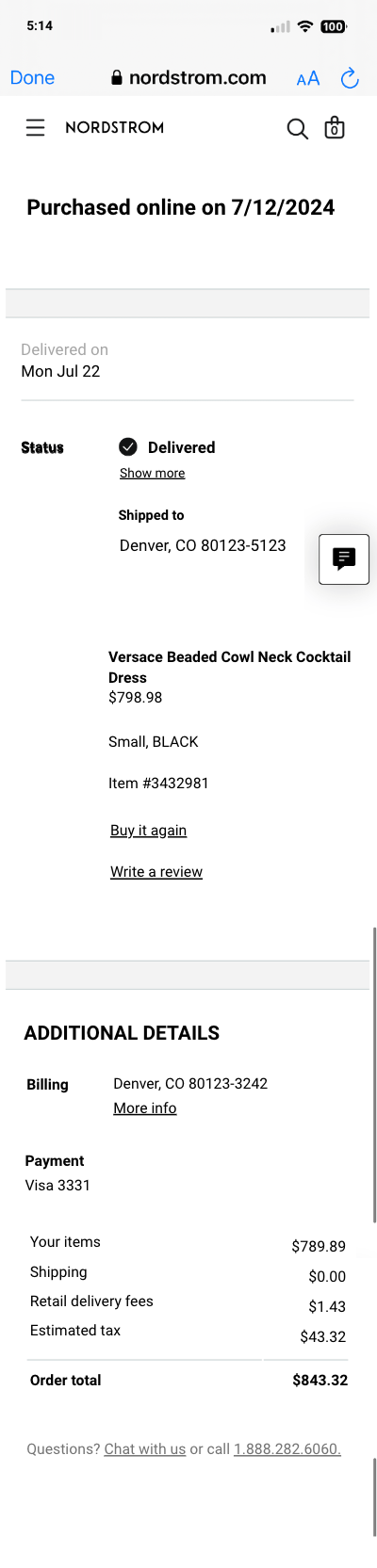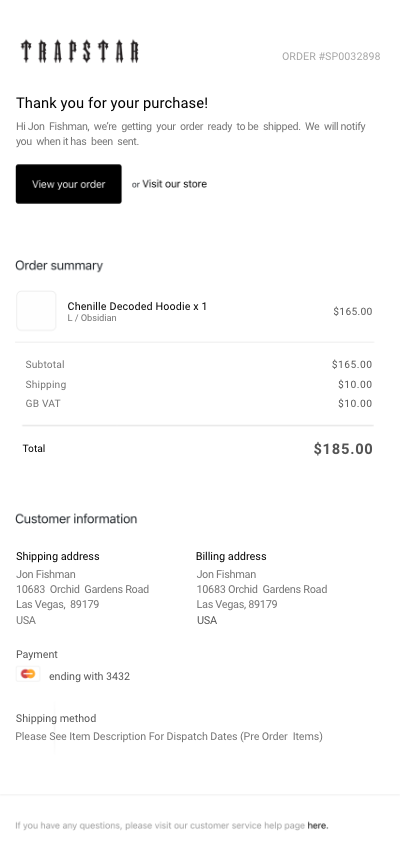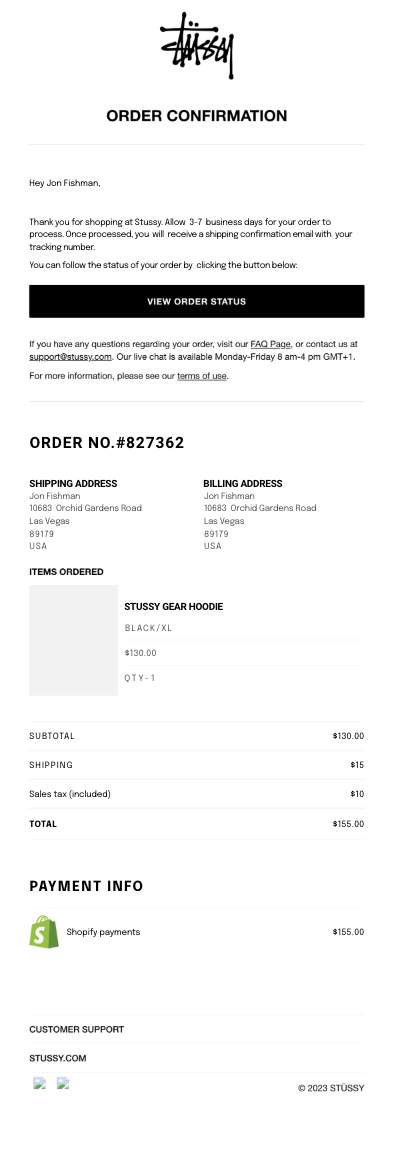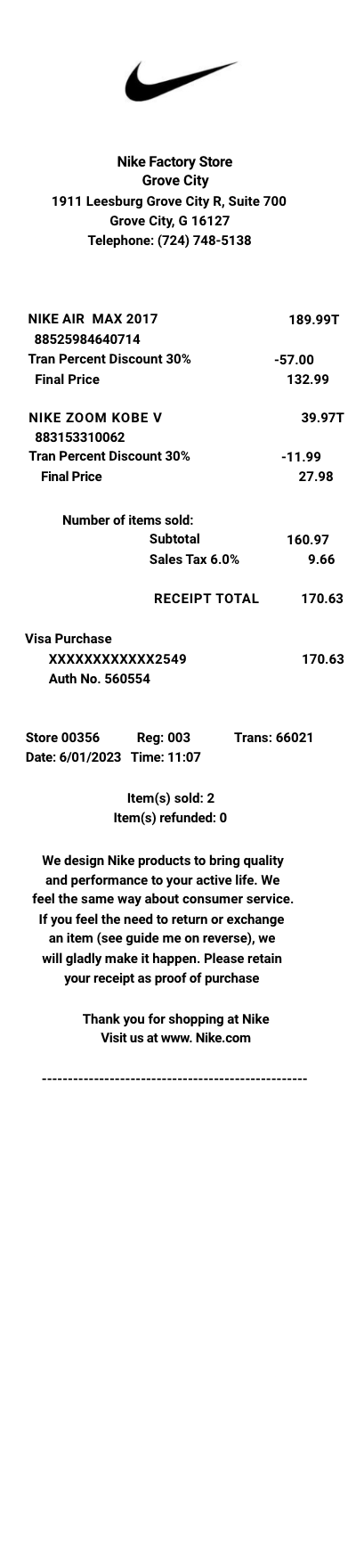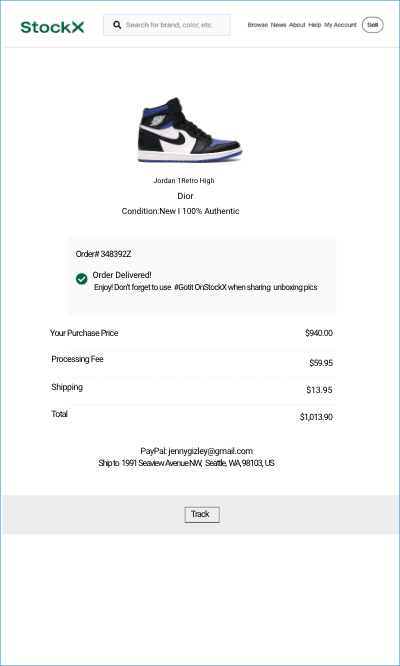

StockX order receipt template
Customize this retail template in DocDesk—edit every field, then download as JPG or PDF.

About this template
StockX stands as a premier marketplace for those who cherish exclusivity in sneakers, streetwear, watches, and luxury handbags. By facilitating a secure, transparent transaction process, StockX ensures that every item sold not only meets high authenticity standards but also arrives with a detailed shipping receipt—a testament to the transaction's validity and the item's provenance.
What Products Does StockX Sell?
StockX distinguishes itself with a meticulously curated selection of products:
- Sneakers: Rare and sought-after releases from major brands like Nike, Adidas, and Yeezy.
- Streetwear: Exclusive pieces from Supreme, Off-White, and more.
- Luxury Handbags: Coveted items from Louis Vuitton, Gucci, and Chanel.
- Watches: High-end timepieces from Rolex, Omega, and others.
- Collectibles: Limited edition items and unique collectibles that appeal to dedicated enthusiasts.
Why Do People Need a Duplicate Receipt from StockX?
A duplicate receipt from StockX is invaluable for:
- Resale Purposes: It serves as proof of authenticity and purchase price when reselling items.
- Warranty Claims: For items like watches, where manufacturer warranties might require proof of purchase.
- Insurance Documentation: Ensuring high-value items are adequately insured against loss or damage.
What is Typically Shown on StockX’s Receipt?
Every StockX receipt is a comprehensive record of the transaction:
- Transaction Date: The exact date of purchase.
- Item Description: Detailed information including brand, model, size, and condition.
- Buyer and Seller Codes: Anonymized IDs that maintain privacy while ensuring traceability.
- Price Details: Breakdown of the price, including the item cost, taxes, and shipping fees.
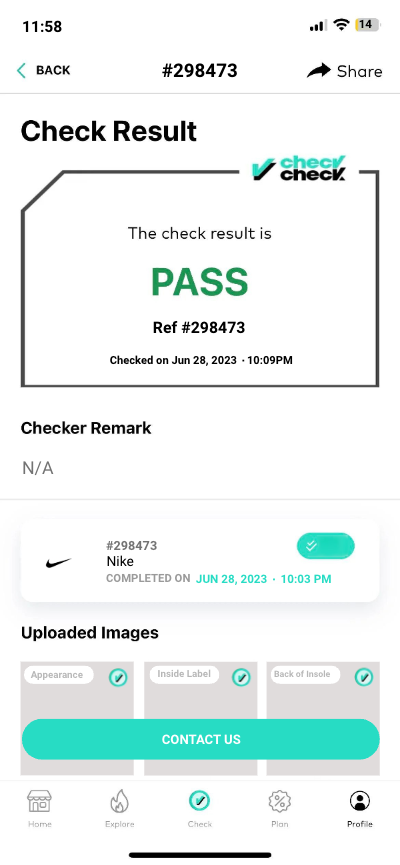
- Authentication Verification: Confirmation that the item has passed StockX’s rigorous authenticity assessment.
- Shipping Details: Information on the shipping method, tracking number, and estimated delivery date.
Where Does StockX Do Business? Do They Also Sell Online? Where?
StockX operates globally through its online platform, allowing buyers and sellers from around the world to engage in transactions. The marketplace’s digital nature removes geographical barriers, making rare and luxurious items accessible to a global audience.
How Can Someone Get a Duplicate Receipt from StockX?
To obtain a duplicate receipt from StockX:
- User Account: Log in to your StockX account and navigate to your purchase history. Here, you can view and download receipts for all completed transactions.
- Customer Support: If you encounter any issues accessing your receipt online, StockX’s customer support team is available to assist. Contact them with your transaction details, and they will provide you with the necessary documentation.
- Email Confirmation: After every purchase, StockX sends a confirmation email that includes the transaction details and can serve as a receipt.
Conclusion
At StockX, every transaction is meticulously documented to ensure transparency and satisfaction for all parties involved. Whether for collecting, wearing, or investing, StockX receipts serve as a guarantee of authenticity and a record of investment in the world of exclusive goods.