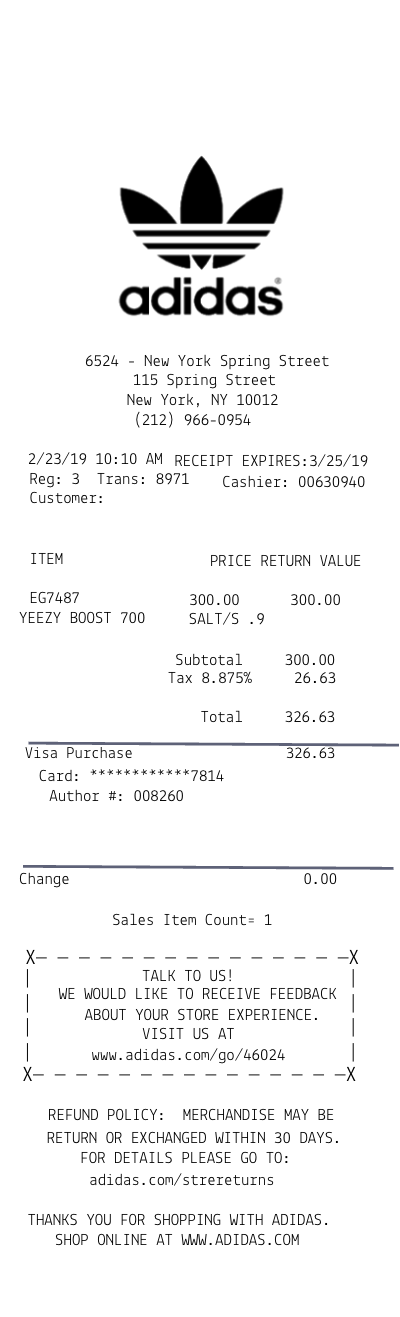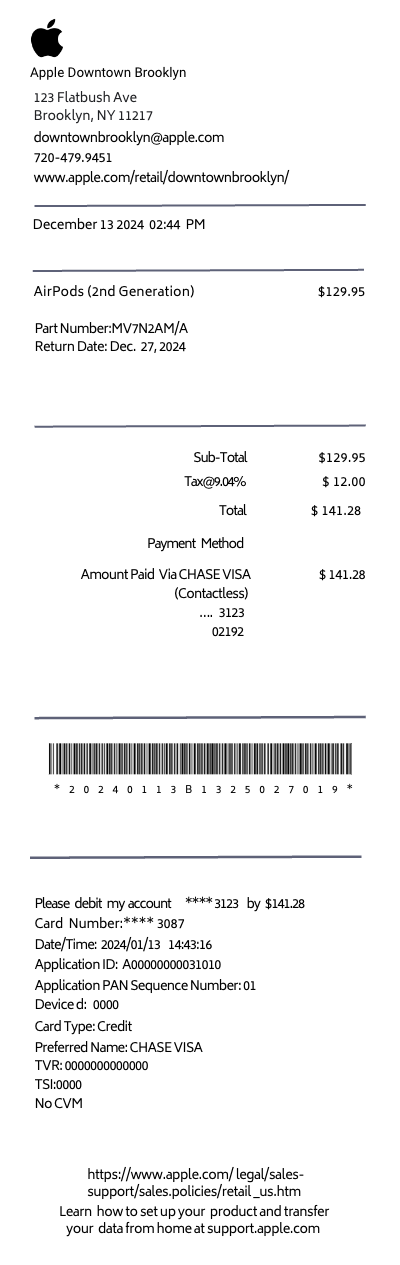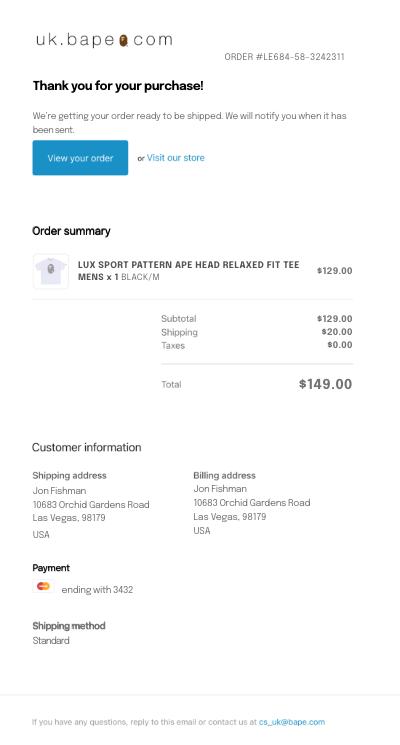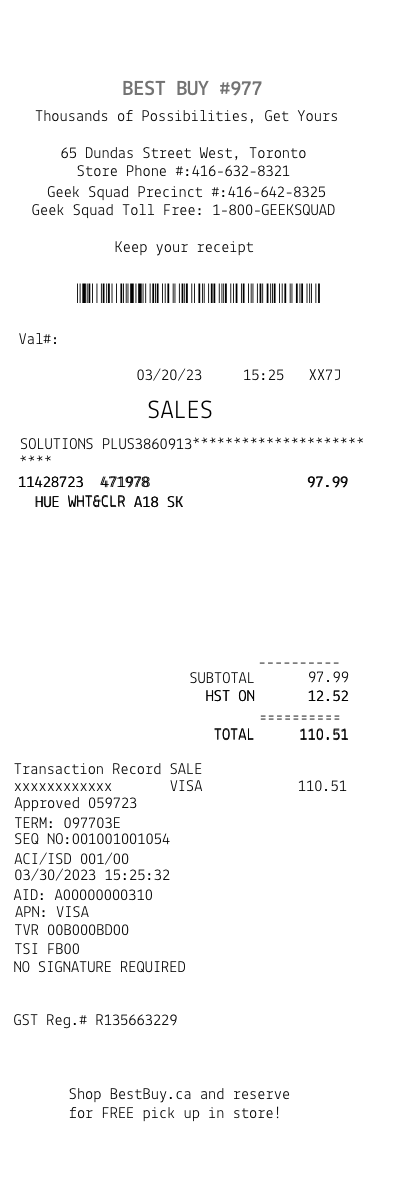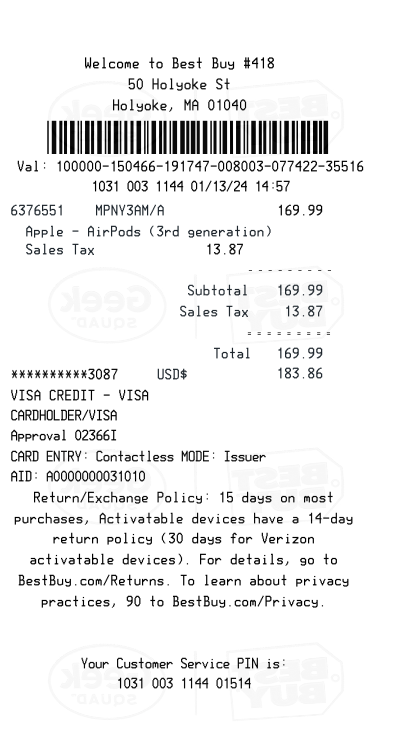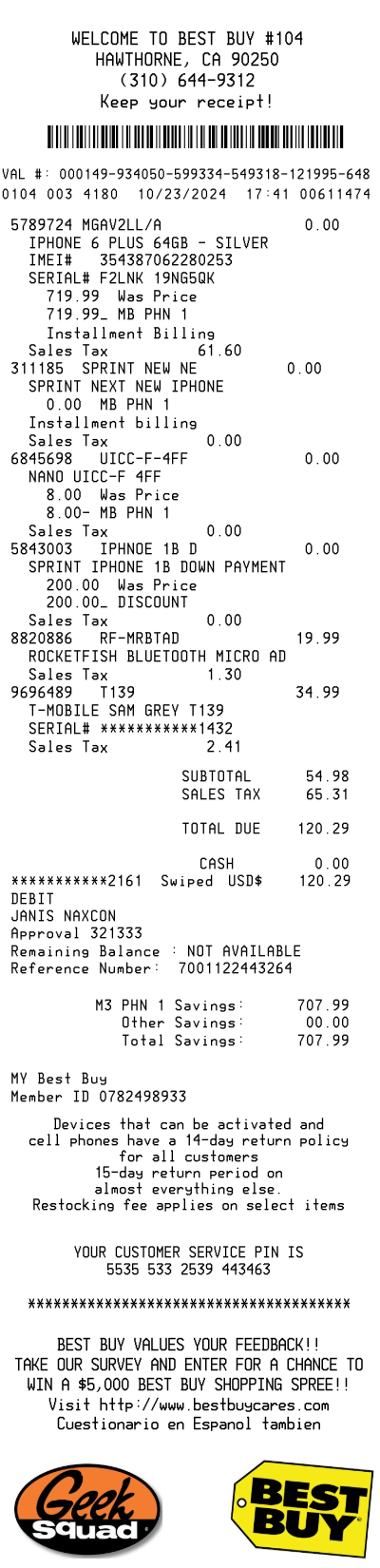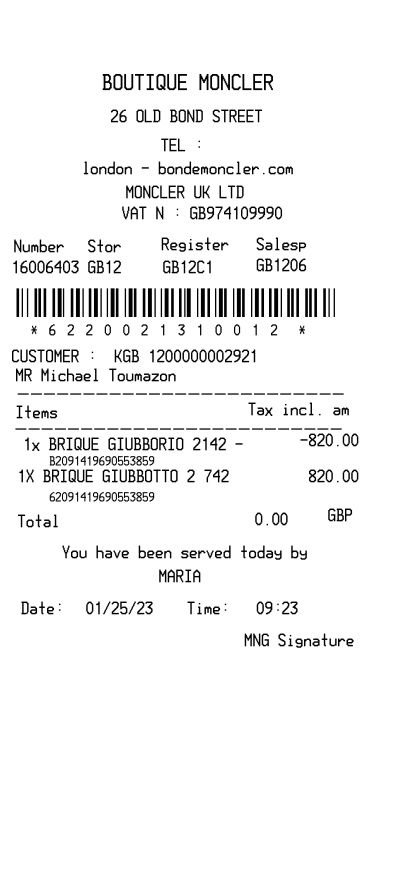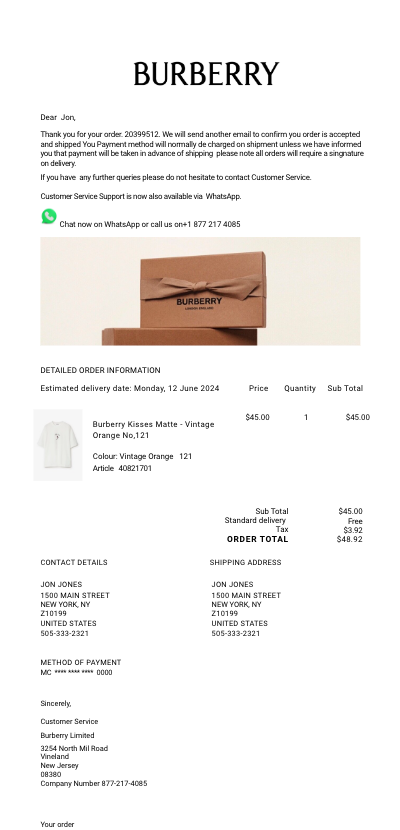

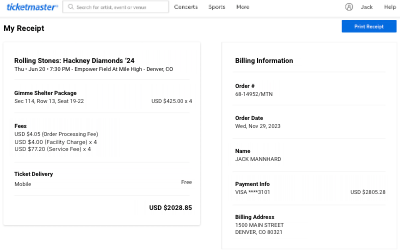
Ticketmaster receipt template
Customize this retail template in DocDesk—edit every field, then download as JPG or PDF.
About this template
Template Features:
- Event Name: Specify the name of the event for which the ticket was purchased.
- Event Date and Time: Input the date and time the event is scheduled to take place, allowing for detailed planning and organization.
- Venue Name: Include the name of the venue where the event will occur, providing clarity and location details.
- Seat Information: Detailed section, row, and seat number(s) for precise seating arrangements.
- Ticket Prices: Break down of ticket prices, including base price, taxes, and any additional fees.
- Purchase Date: Date when the ticket was purchased, important for personal records.
- Total Cost: The total amount paid, summarizing all charges associated with the purchase.
- Barcode or QR Code (optional): An editable field where a barcode or QR code image can be inserted, simulating the actual ticket's appearance.
- Purchaser Information: Space to include the name and contact information of the ticket purchaser.
Instructions for Use:
-
Select the Event: Start by entering the name of the event you attended or plan to attend.
-
Fill in Event Details: Input the date, time, and venue of the event to keep track of your plans.
-
Specify Seating: Enter detailed seating information, including the section, row, and seat numbers, to document exactly where you will be situated during the event.
-
Input Pricing Information: List the price of the ticket, including any taxes and additional fees, to keep an accurate financial record of your purchase.
-
Add Purchase and Total Cost Details: Record the date of purchase and the total cost for personal accounting or reimbursement purposes.
-
Insert Barcode/QR Code: If available, insert an image of the barcode or QR code associated with your ticket for a more authentic look.
-
Include Purchaser Information: Enter your name and contact details as the ticket purchaser.
-
Edit as Needed: The template is fully editable, allowing you to adjust or update information as necessary.
Use Cases:
- Personal Record-Keeping: Keep detailed records of your event attendance, including financial expenditures.
- Event Planning: For event planners needing to organize ticket purchases for groups or special guests.
- Gift Documentation: When gifting tickets, provide a detailed receipt alongside for a professional touch.
- Reimbursement Requests: For professionals attending events for work purposes who need to submit expense reports.
This editable Ticketmaster receipt template is versatile and designed to accommodate a wide range of events and ticketing details, making it an invaluable tool for individuals, event planners, and professionals alike.