
Restaurant
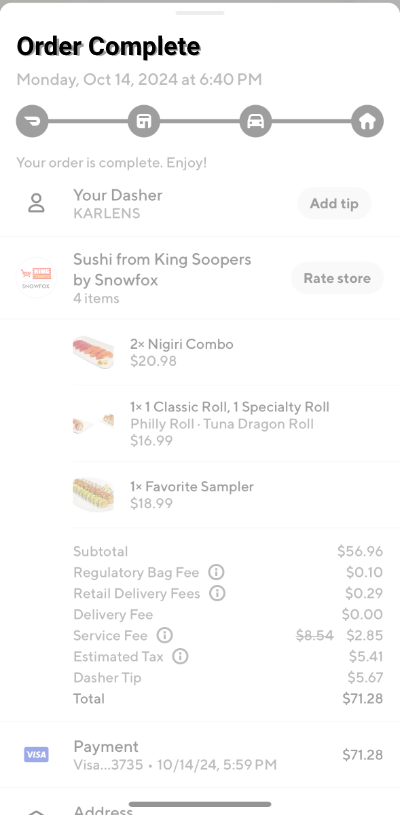
Doordash receipt template new
Customize this restaurant template in DocDesk—edit every field, then download as JPG or PDF.
About this template
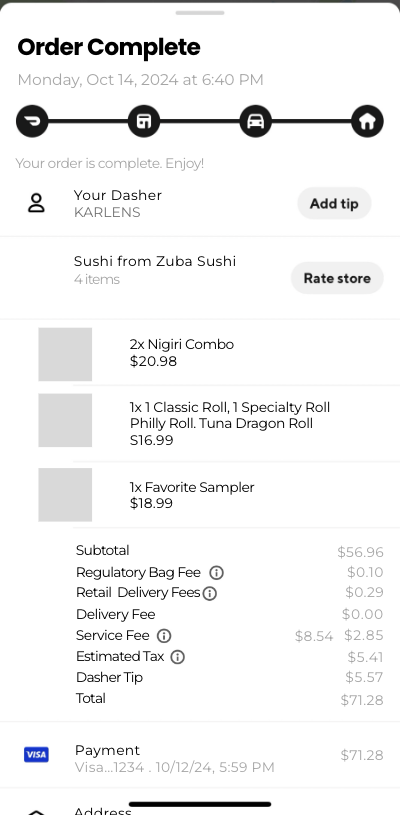
Have you ever lost a Doordash receipt or wanted to create a funny, customized version to share with friends? At DocDesk.co, we offer a Doordash Receipt Template that is perfect for replacing a lost receipt or creating a playful, realistic-looking receipt for any purpose. Our editable template allows you to quickly generate a receipt that looks just like a real Doordash order.
Why Use Our Editable Doordash Receipt Template?
Our template is designed to make it easy for you to create a professional-looking Doordash receipt in just a few minutes. Here’s why it’s a great choice:
- Simple and Fast Editing: Quickly fill in your order details, including restaurant name, items ordered, and total amount.
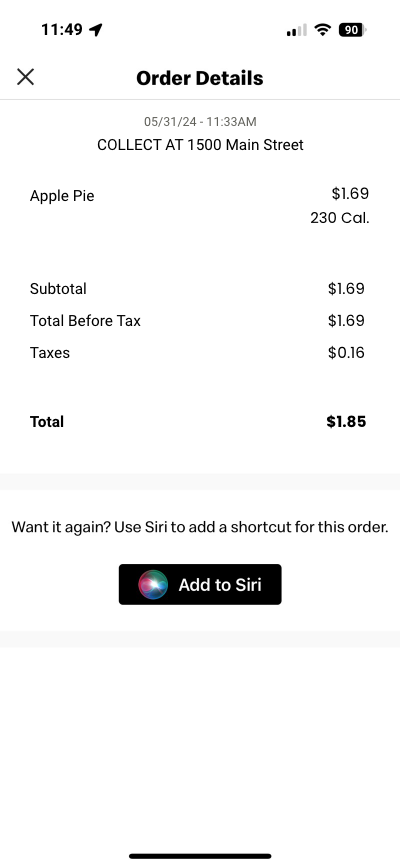
- Realistic Design: Our template mimics the format and style of actual Doordash receipts.
- Lost Your Receipt? No Problem: Generate a replacement receipt for expense tracking or proof of purchase.
- Perfect for Jokes and Gags: Use it to create funny receipts and prank your friends.
- Download in PNG Format: Easily save your customized receipt as a PNG image—no need for PDF software.
- No Account Required: Edit and download your receipt without signing up.
How It Works
- Edit the Template: Enter the details of your Doordash order, including restaurant, items, taxes, and total amount.
- Preview Your Receipt: See a live preview of your customized receipt before downloading.
- Download as PNG: Save your finished receipt as a PNG image, ready to share or print.
With our Doordash Receipt Template, you can create a professional-looking receipt for any Doordash order in minutes. It’s easy, fun, and perfect for both practical and playful uses.