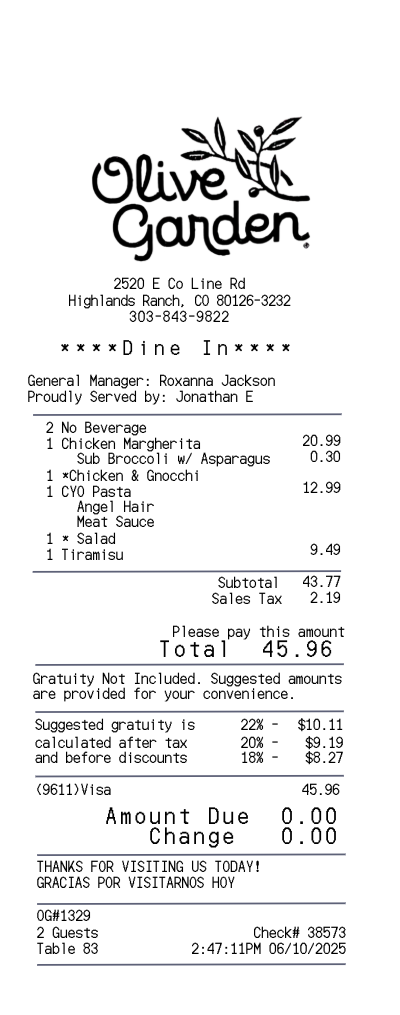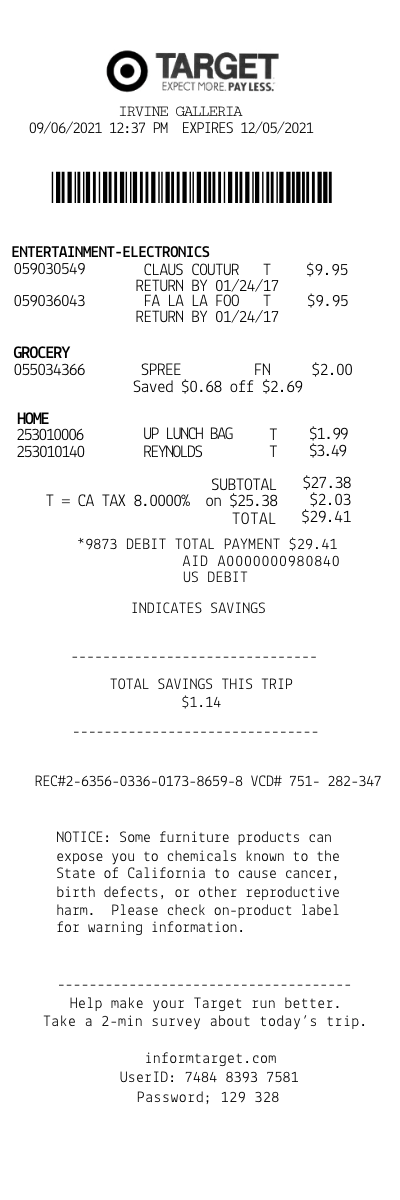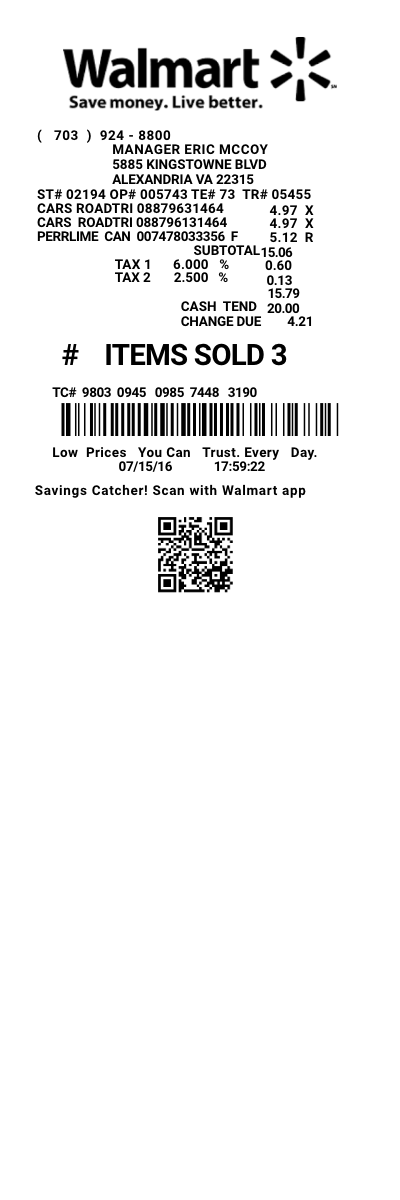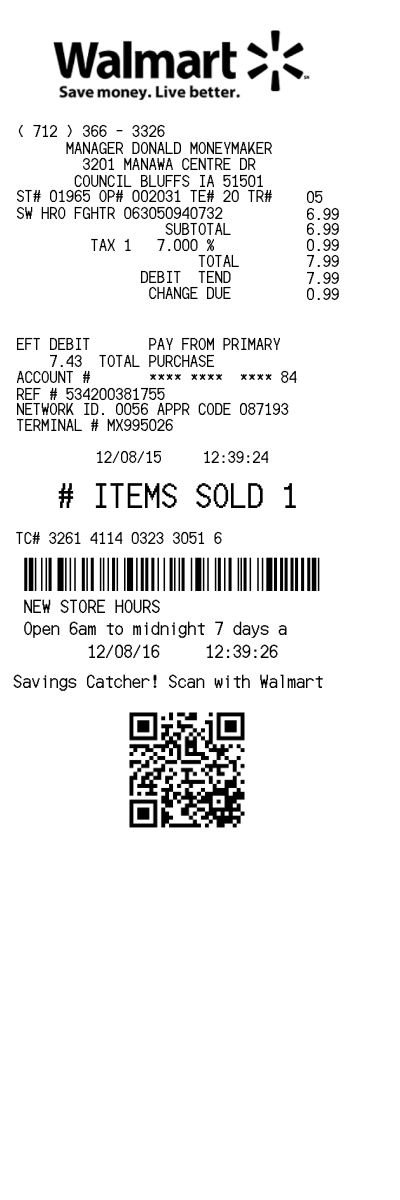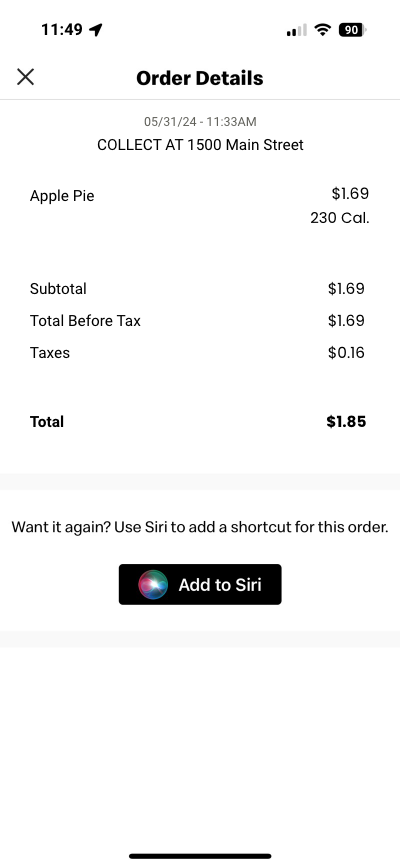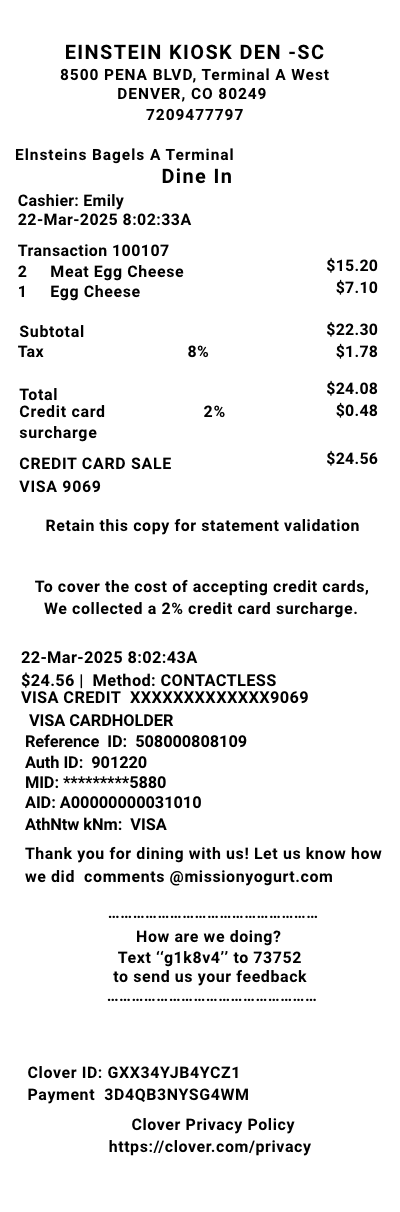

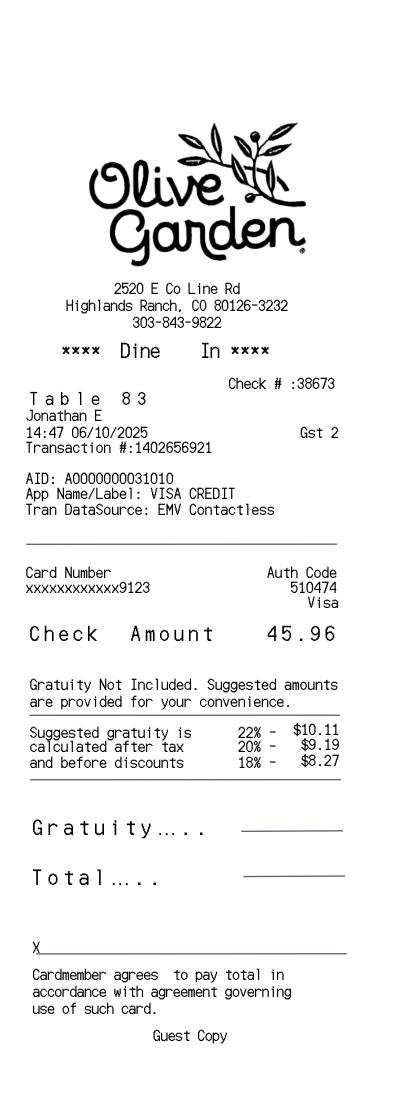
Olive Garden receipt template 2
Customize this other template in DocDesk—edit every field, then download as JPG or PDF.
About this template
Create a Olive Garden 2 receipt with our receipt generator. Select the Olive Garden receipt template 2 from the template library. Edit and customize the receipt. Instantly save and download your customized receipt.
Why might you need a receipt from Olive Garden?
-
To show off your epic pasta party to your accountant (proof of purchase is serious business!).
-
So you can split the bill like a pro after your crew ordered one too many breadsticks.
-
For expense reports — because even businesspeople need their fettuccine fix.
-
To track your carb budget (calories? nah, pasta points).
-
Because that dessert deserves a proper receipt shoutout — tiramisu, anyone?
What goodies does Olive Garden make and where do they sell them?
-
Fresh-from-the-kitchen deliciousness like:
-
Pasta, pasta, and… more pasta!
-
Soups, salads, and the legendary breadsticks.
-
Desserts that make your sweet tooth sing.
-
Drinks that pair perfectly with carbs (wine, anyone?).
-
-
Sold exclusively at Olive Garden restaurants — sorry, your home kitchen doesn’t count (although that would be nice).
What’s the return policy without a receipt at Olive Garden?
-
Unlike a department store, you can’t really “return” pasta — but hey, if something’s wrong, the manager’s usually pretty cool about fixing it on the spot.
-
No receipt? Just tell them what went wrong, and they’ll probably sort it out with a smile (especially if you saved room for dessert).
How can you get a duplicate receipt from Olive Garden?
-
Give the restaurant a call — bring your charm and mention the date, time, and how much fun you had.
-
If you ordered online or through the app, check your email for the digital version (modern problems, modern solutions).
-
Paid by card? They can sometimes look it up with your fancy 4-digit card number.
What’s on a typical Olive Garden itemized receipt — and what makes it fun?
-
The Olive Garden logo (fancy!).
-
The date and time (so you can remember when the breadsticks started flowing).
-
The server’s name — so you can give them a shoutout later.
-
Table number (claim your throne!).
-
A glorious list of everything you ordered, from salads to spaghetti — complete with prices.
-
Tax, total, and tip line — because the math is real.
-
Sometimes a survey link for a discount on your next carb-loaded adventure.
-
Bonus fun: some receipts even give you a coupon or a sneak peek at your loyalty points (time to level up).