
Retail
PRADA receipt template USA
Customize this retail template in DocDesk—edit every field, then download as JPG or PDF.
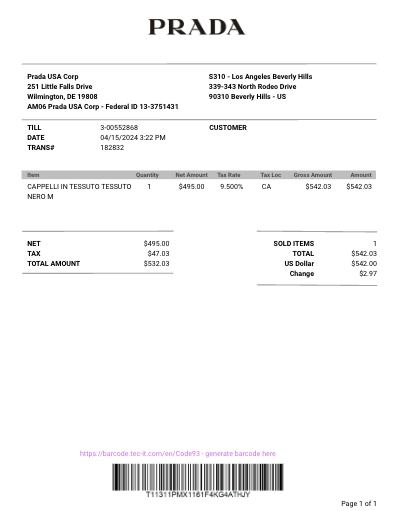
About this template
Create receipt for handbag, apparel and luxury goods. Prada facture PDF - download instantly
Prada Receipt Template Information
This page provides essential information about managing your receipts from Prada effectively.
Why Do People Need a Receipt from Prada?
Receipts from Prada are important for several reasons:
- Proof of Authenticity: Serves as proof that the item purchased is authentic and genuine, which is crucial for luxury goods.
- After-Sales Services: Required for returns, exchanges, or warranty claims. It ensures that customers can avail themselves of after-sales services smoothly.
- Financial Documentation: Important for personal record-keeping, especially for expensive purchases, or for use in financial statements and audits.
- Gift Documentation: Helpful if the item was purchased as a gift, allowing the recipient to make exchanges or returns if necessary.
What Is Typically Shown on a Receipt from This Company?
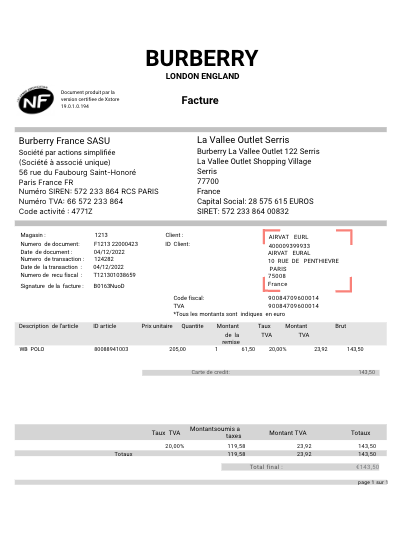
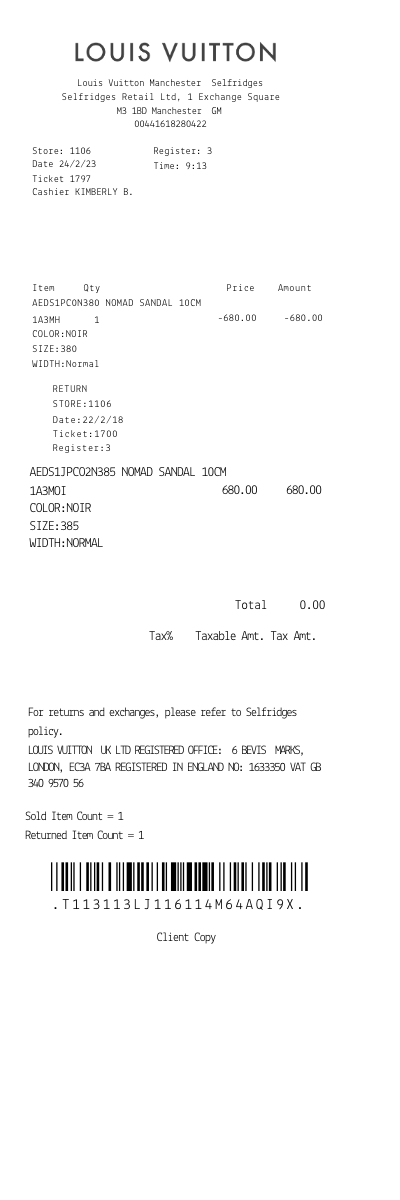
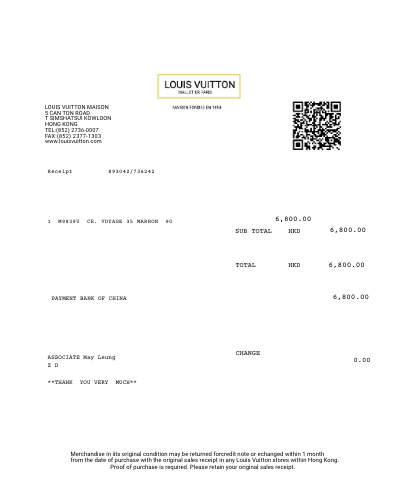
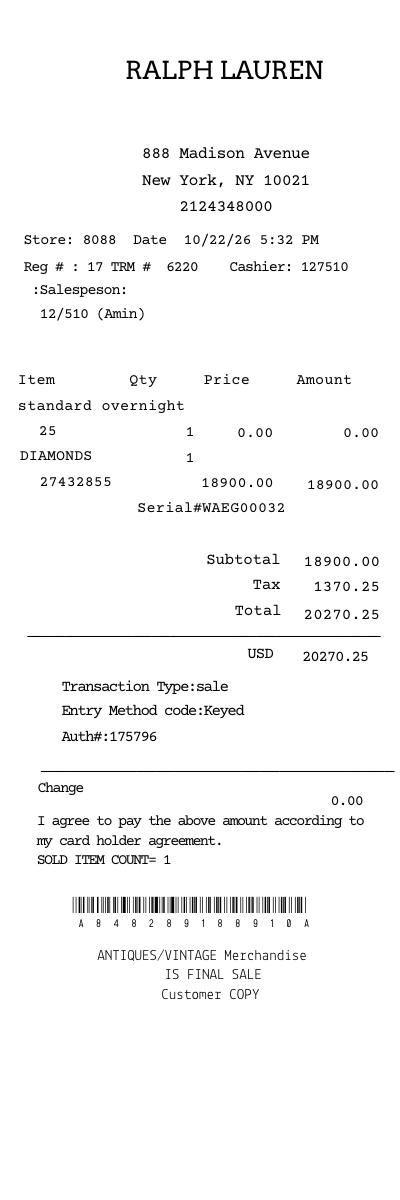
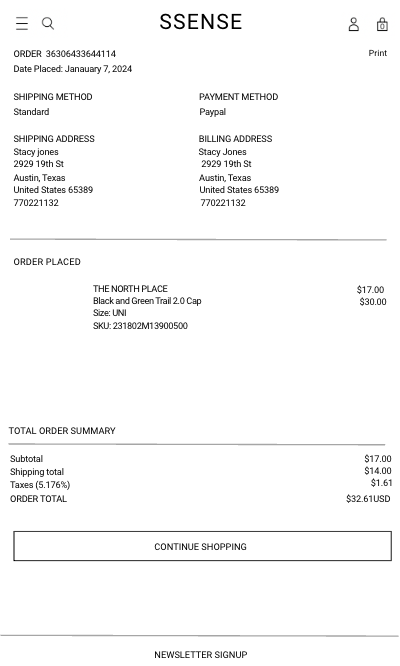
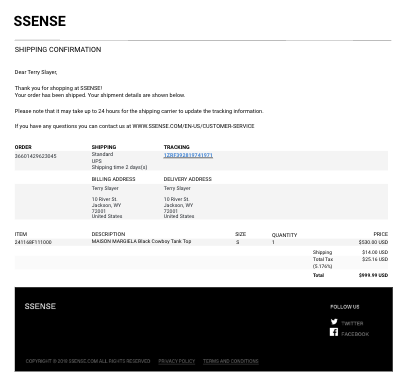
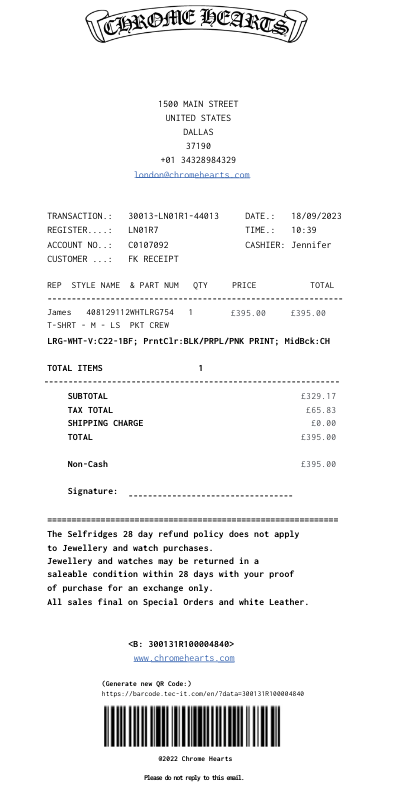
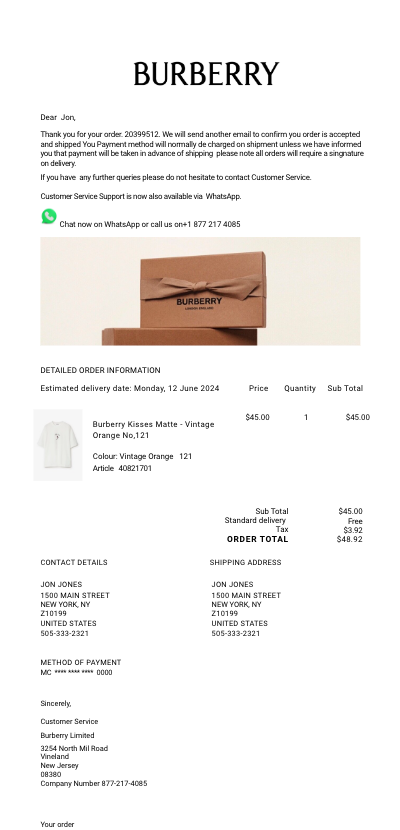
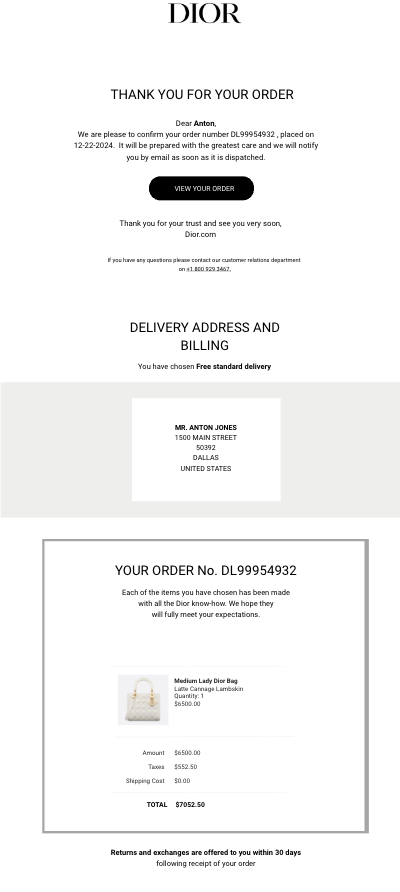
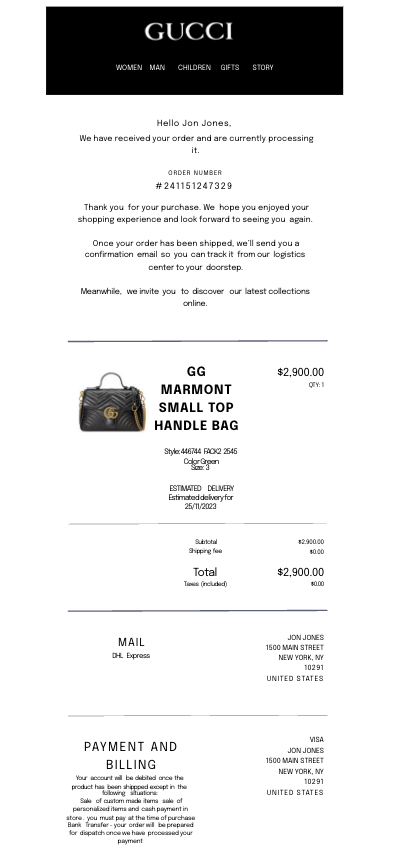
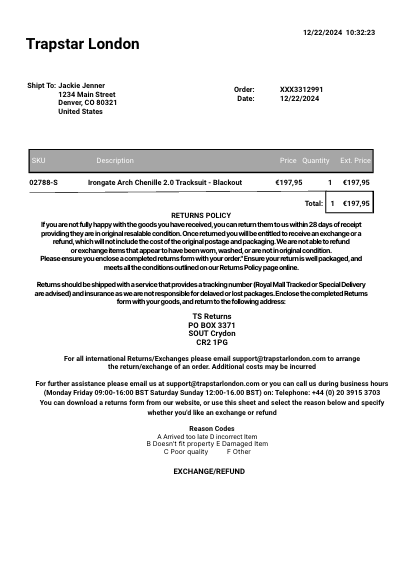
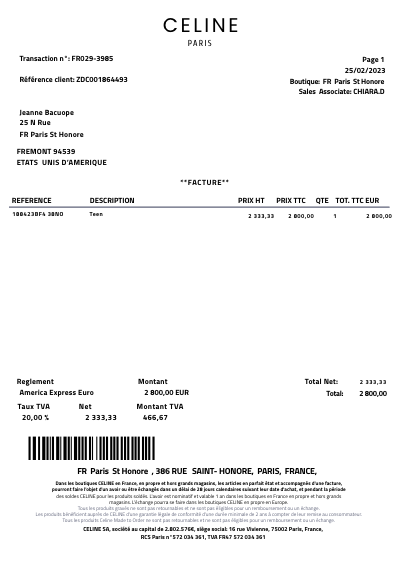
A typical Prada receipt includes:
- Date and time of purchase
- Itemized list of products purchased with descriptions and prices
- Total amount paid, including any taxes and discounts
- Payment method used
- Store or boutique details where the purchase was made
- Prada's return and exchange policy
Where Does This Company Do Business?
Prada operates globally, with retail stores and boutiques in major cities around the world, including Europe, North America, Asia, and Australia. They also have a comprehensive online store that services many countries worldwide.
How Can Someone Get a Duplicate Receipt from This Company?
To obtain a duplicate receipt from Prada, customers can follow these steps:
- Contact Prada's customer service directly via their official website, email, or phone. Provide details of the purchase such as the date, store location, and payment method used.
- Visit the Prada store where the purchase was made. Store associates can assist in retrieving a copy of the receipt if the purchase details are provided.
- If the purchase was made online, log into the Prada online account to access and download the receipt from the order history section.